> ## Documentation Index
> Fetch the complete documentation index at: https://www.tella.com/docs/llms.txt
> Use this file to discover all available pages before exploring further.
# Use your iPhone as a webcam
Let me show you how **Continuity Camera** looks and works using my iPhone.
So right now, I'm using my **Sony Mirrorless Camera**. It's connected via **CamLink**, and it has this giant external lens on it.
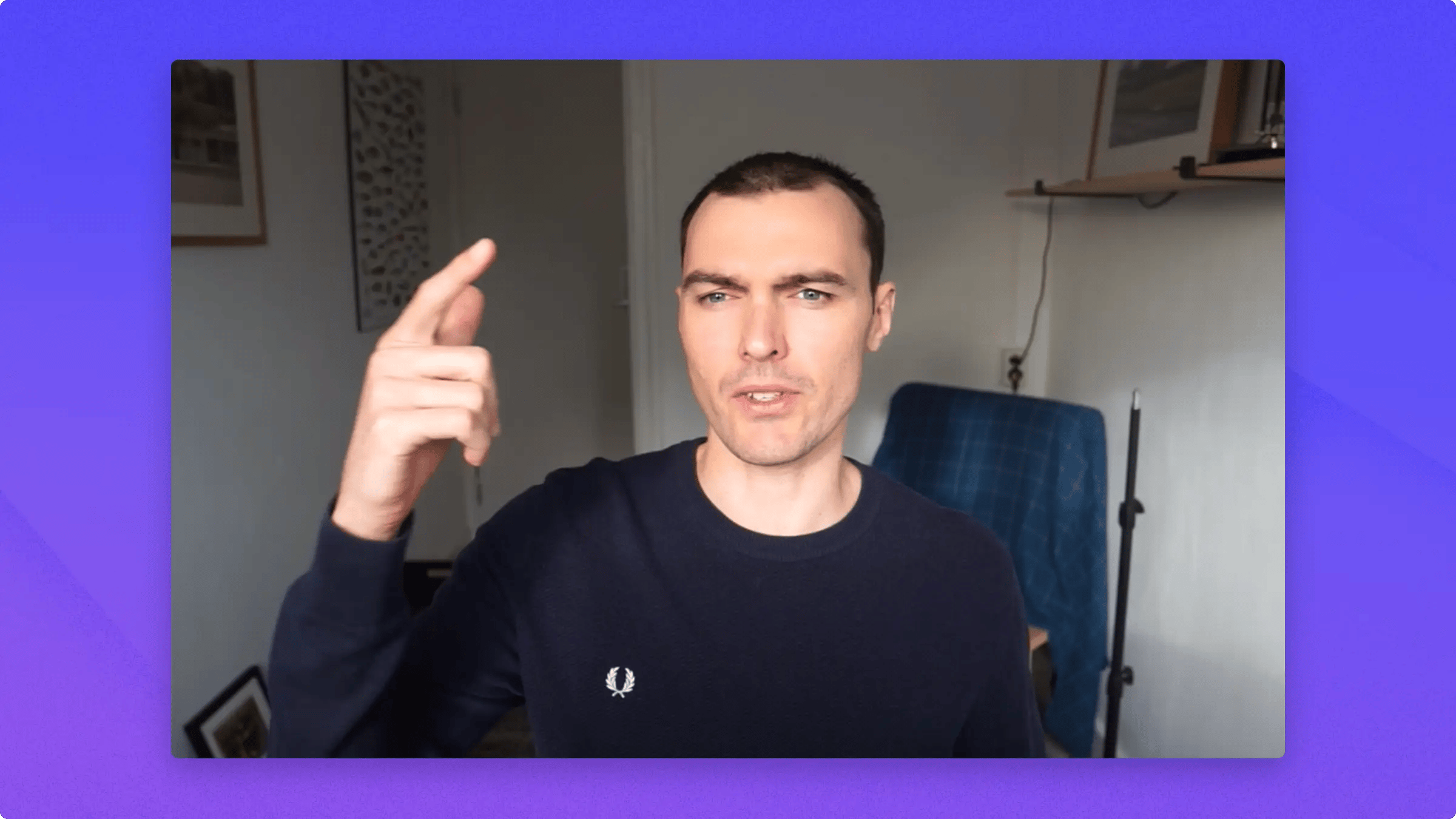 It's a really great setup. I love it. But it costs bucks, and that's not cheap.
Next is the picture quality from my two-year-old all-in-one Mac.
It's a really great setup. I love it. But it costs bucks, and that's not cheap.
Next is the picture quality from my two-year-old all-in-one Mac.
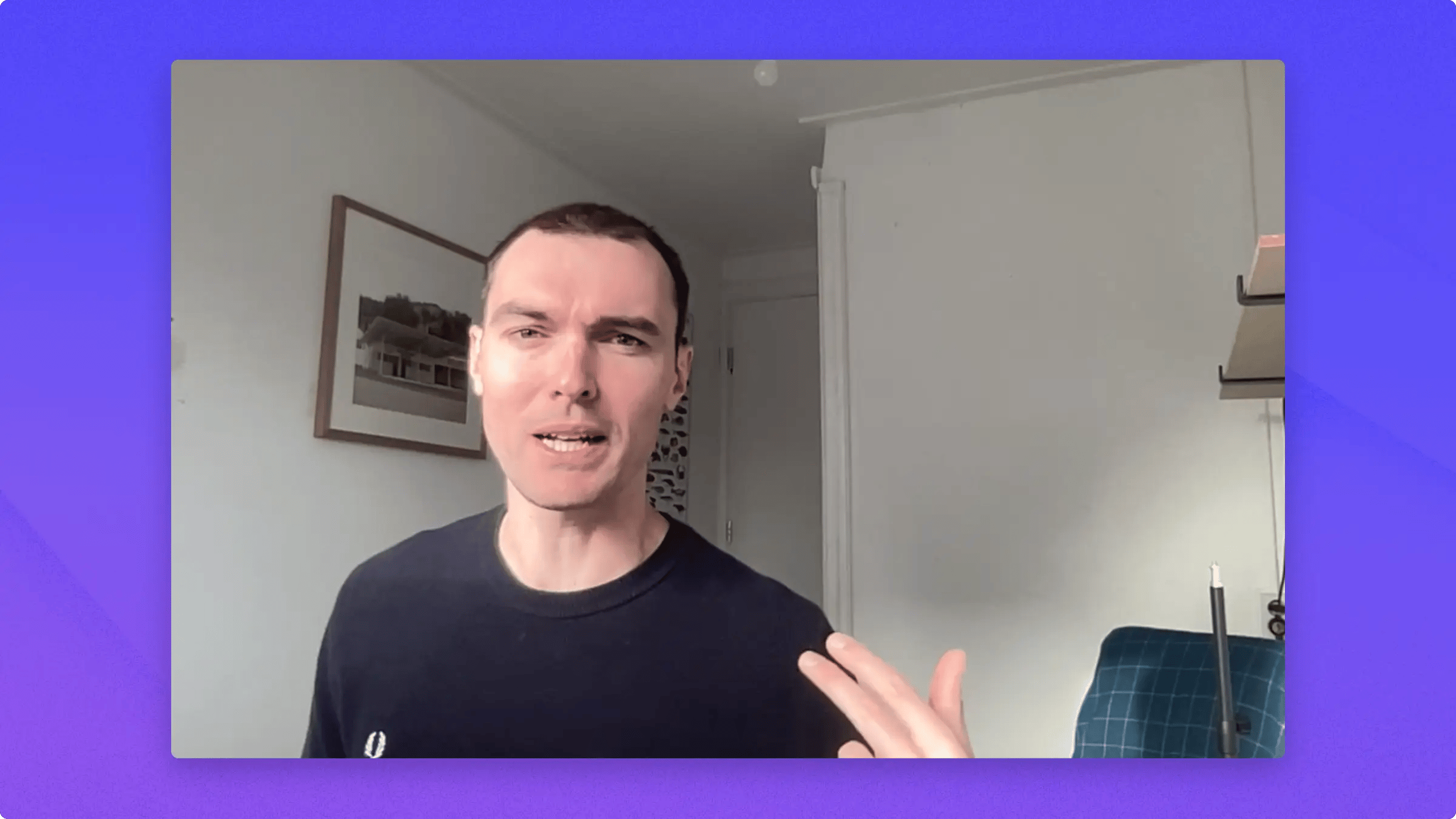 It's not the worst in the world, but it's really not great.
And this is **Continuity Camera** using my iPhone on my desk, wirelessly connected to my computer.
It's not the worst in the world, but it's really not great.
And this is **Continuity Camera** using my iPhone on my desk, wirelessly connected to my computer.
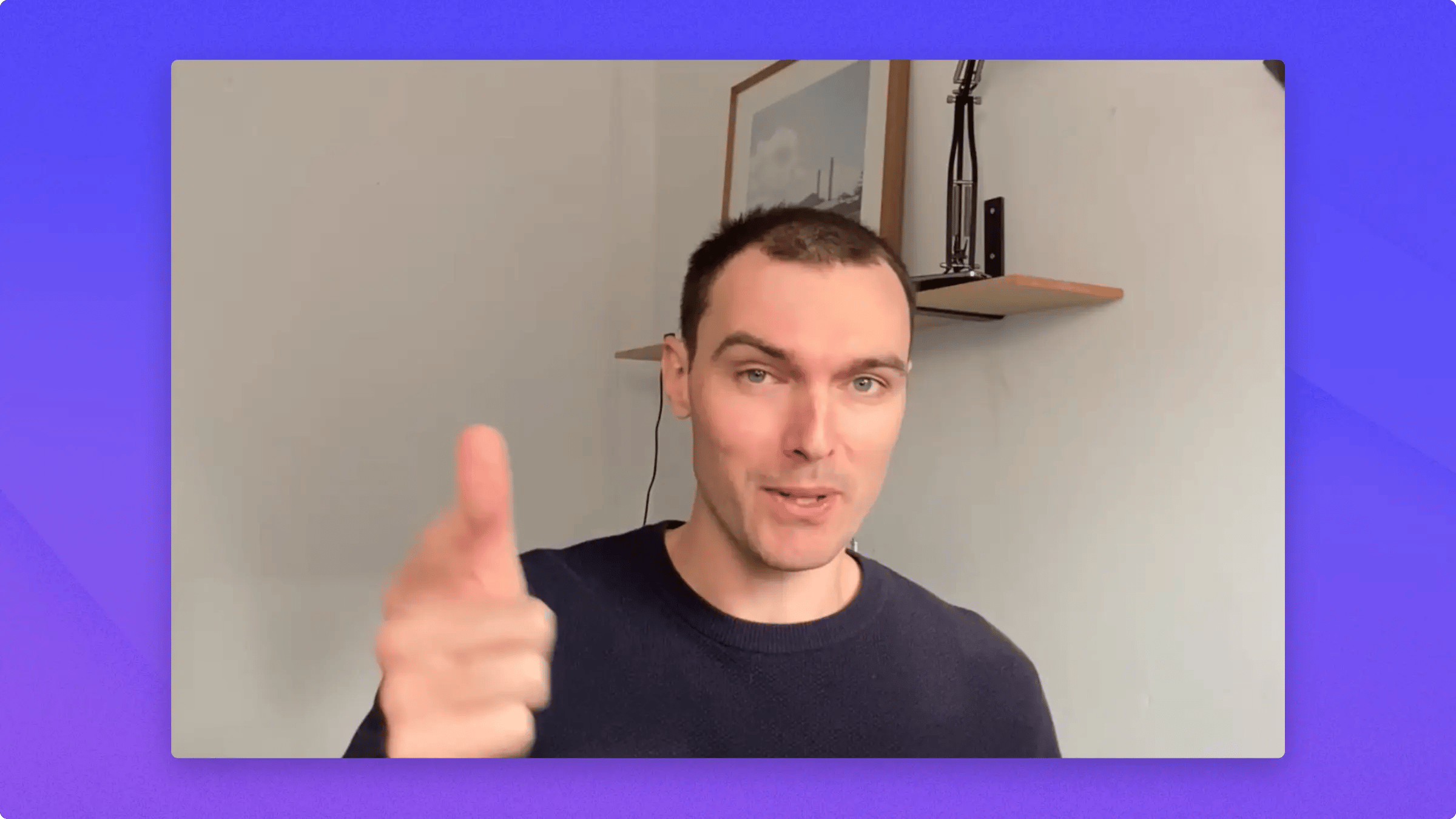 It has a bunch of neat little features which we are gonna tackle in a second. And most importantly, the quality is awesome.
Alright, so to set this up, head to **Tella** or whatever video app you're using, go down to your camera option, and then just head up and click the name of your phone.
It has a bunch of neat little features which we are gonna tackle in a second. And most importantly, the quality is awesome.
Alright, so to set this up, head to **Tella** or whatever video app you're using, go down to your camera option, and then just head up and click the name of your phone.
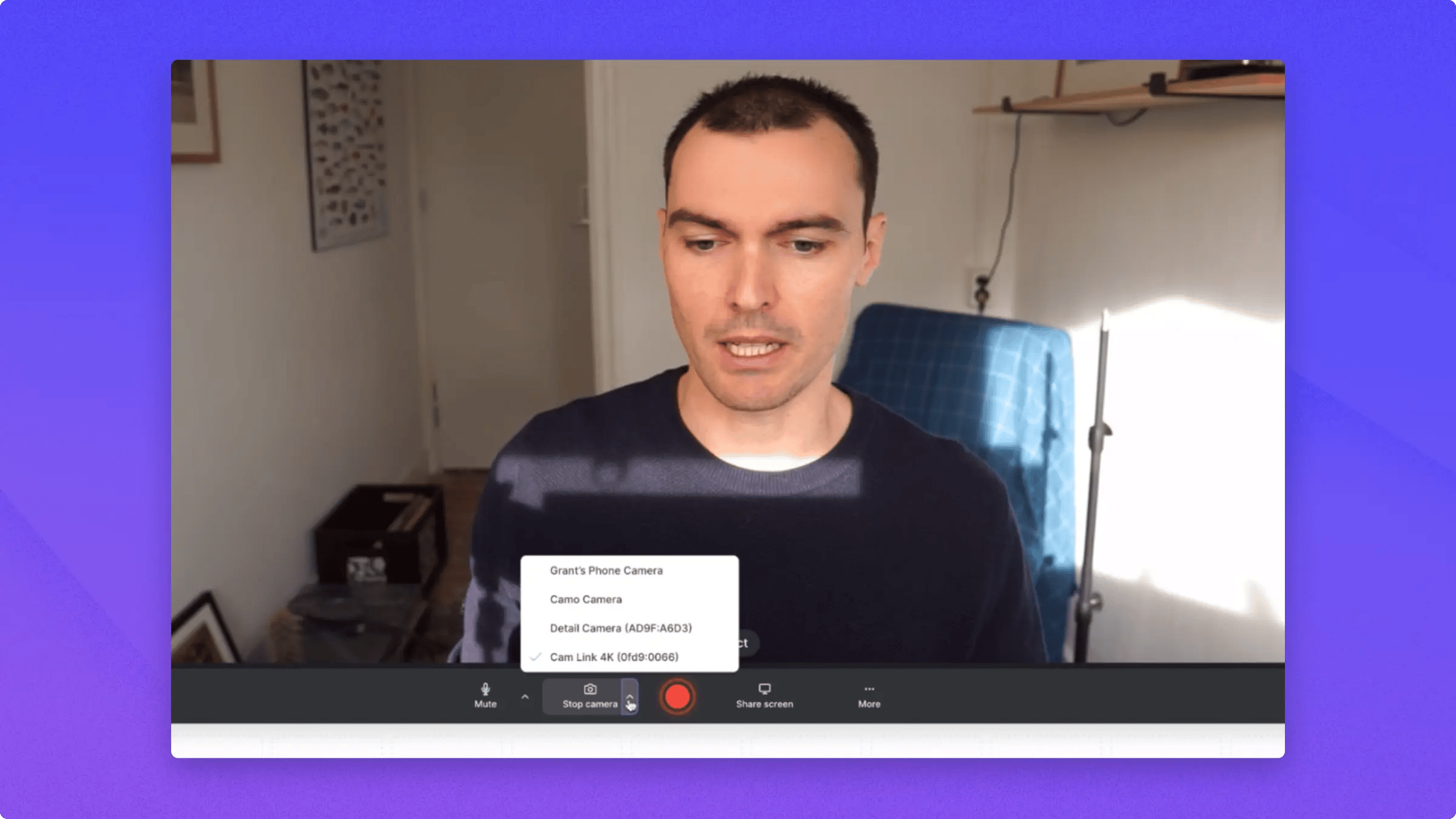 That will ring a little sound on your phone and then it will connect. Once you're connected, you can go to this little icon up here.
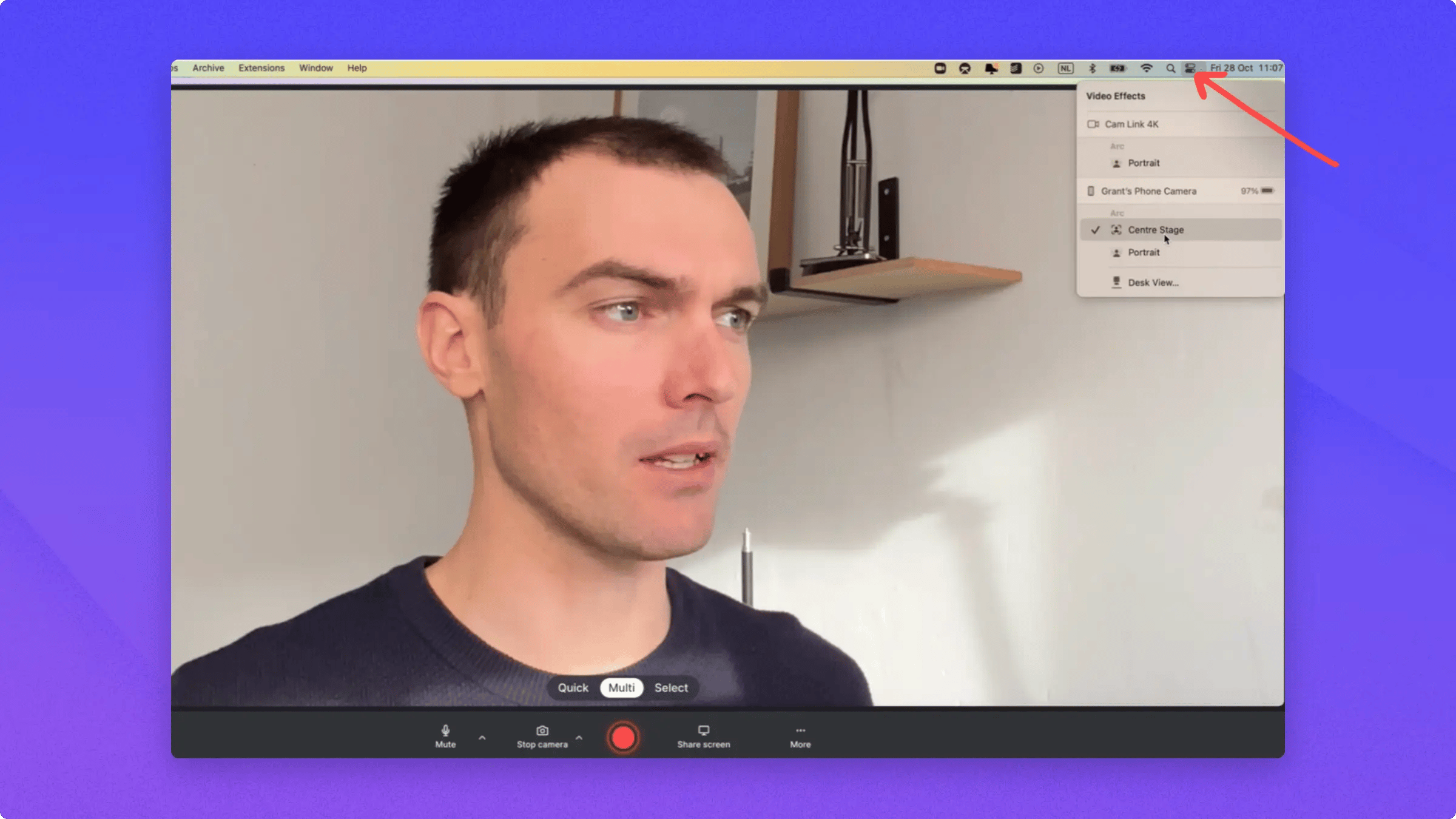 Then go to your **Video Effects** and you can turn on things like **Center Stage**, which follows you around and makes the shot bigger.
Then you can also turn on **Portrait Mode**, which means that you can blur your background.
**Continuity Camera** is great. You should try it out. You just need to have **iOS 16** and the new **Mac OS Ventura**, and then the whole thing will connect.
Then go to your **Video Effects** and you can turn on things like **Center Stage**, which follows you around and makes the shot bigger.
Then you can also turn on **Portrait Mode**, which means that you can blur your background.
**Continuity Camera** is great. You should try it out. You just need to have **iOS 16** and the new **Mac OS Ventura**, and then the whole thing will connect.