Two ways to post your Tella video to Twitter, and which one to use depending on how you want it to play.
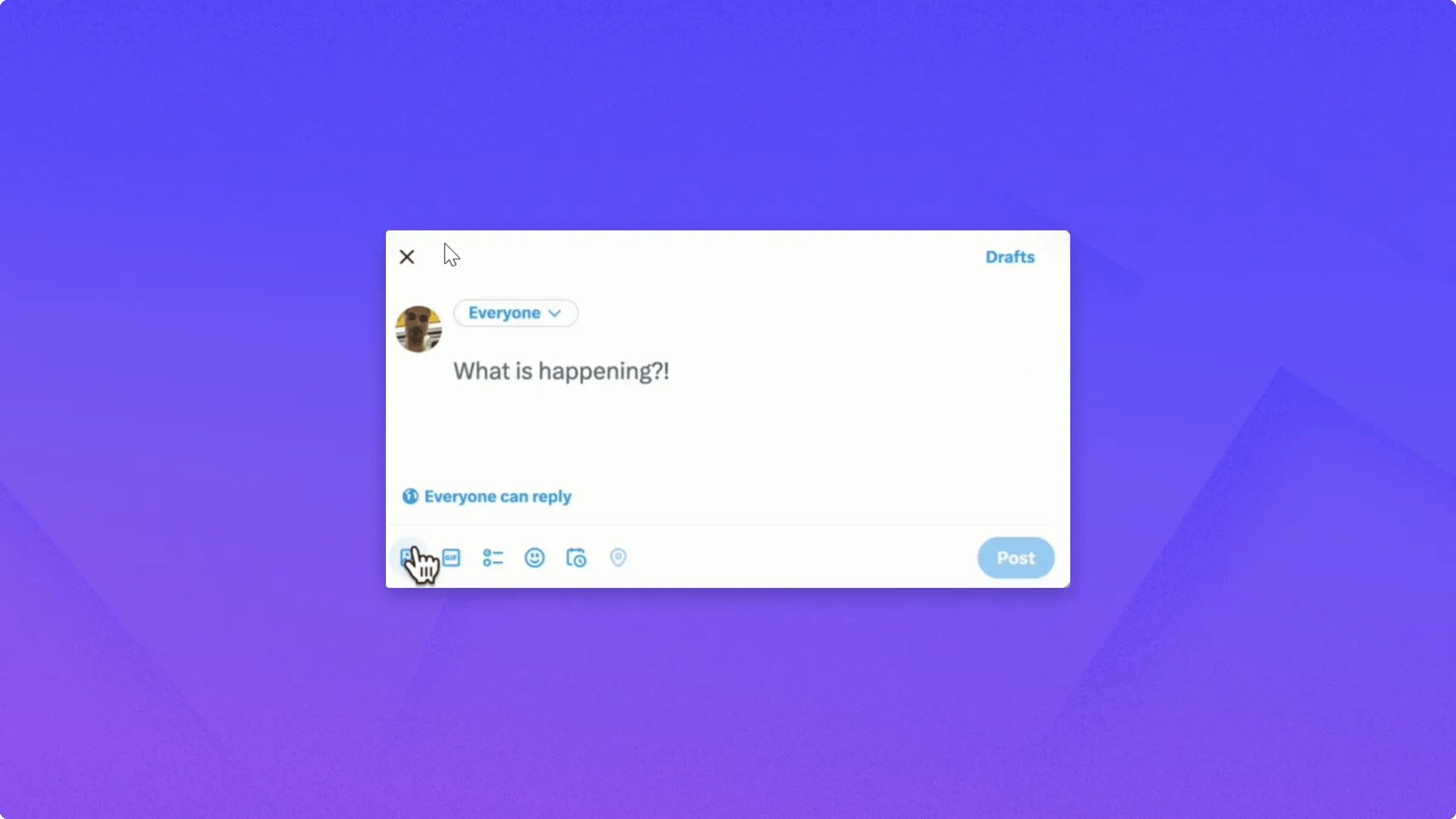
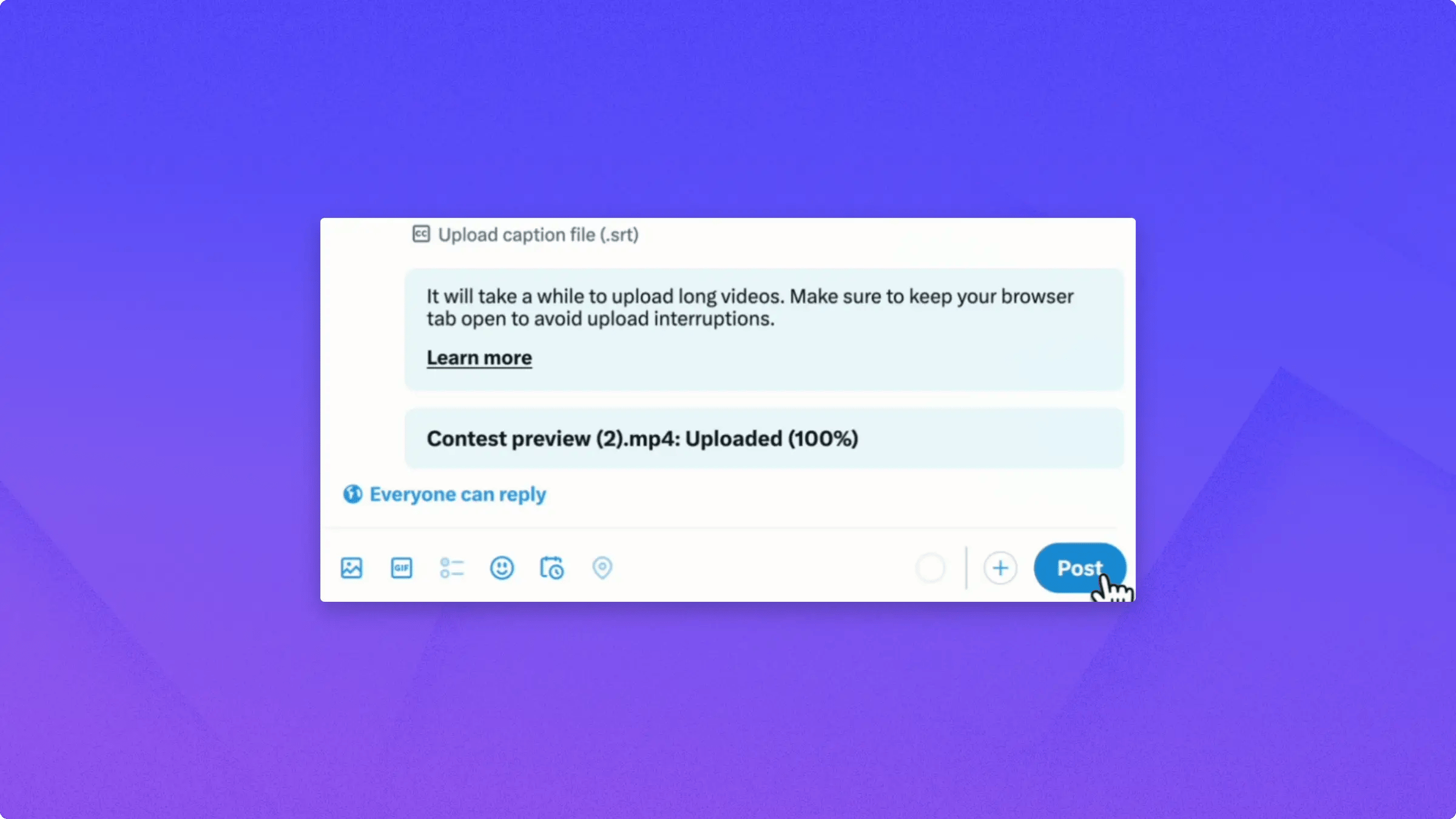
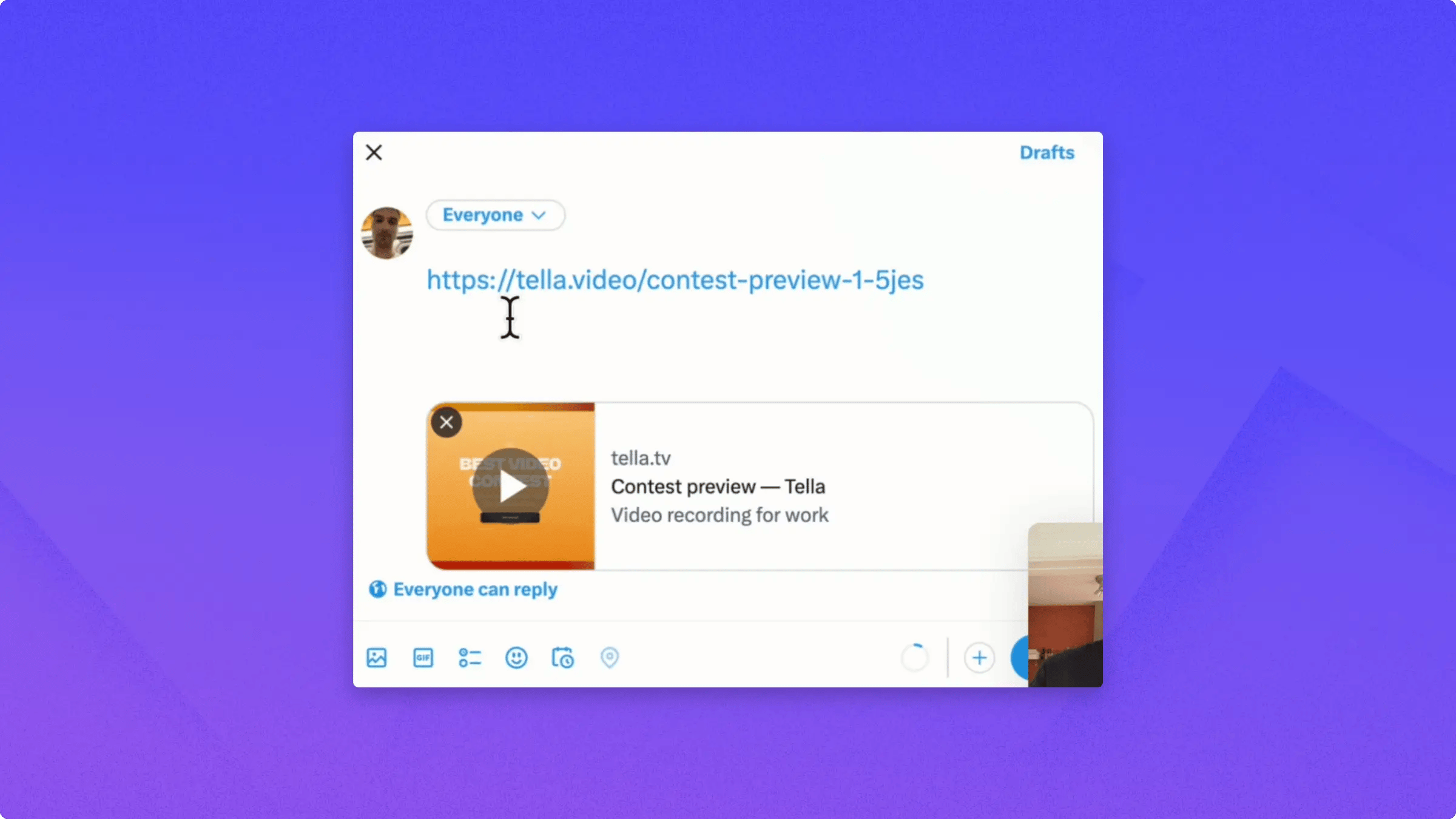
Here are two ways that you can post your Tella videos on Twitter.The first is to download your video.If you want to download your video in 4K, you can toggle the 4K Resolution switch. Note that Twitter only supports up to 1080p.If you want to burn in subtitles, which is usually a good idea for Twitter, toggle the Burned-in Subtitles switch and then click Download.Compose your tweet, click the media icon, and select your video to upload it.Once the upload finishes, type your tweet text and click Post.The second way to post your Tella video on Twitter is to copy the video link, paste it into your tweet, and Twitter displays a preview that viewers can play inline.This saves time because you don’t have to download and re-upload the video. Most Twitter clients can play the video directly inline.In some cases, viewers may need to click the link to watch it on Tella, but most viewers can play it directly from the tweet.