Your videos, your brand
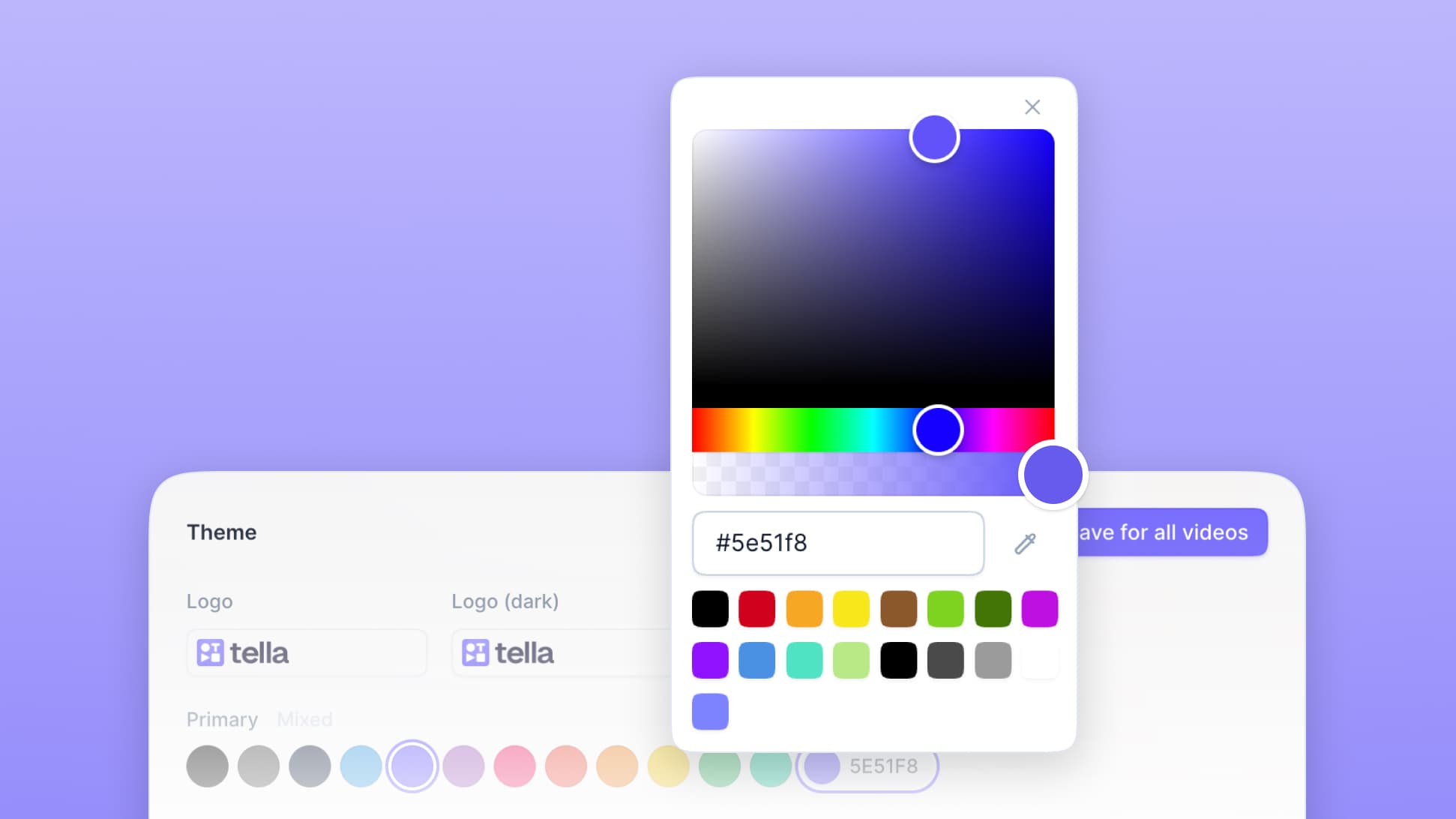
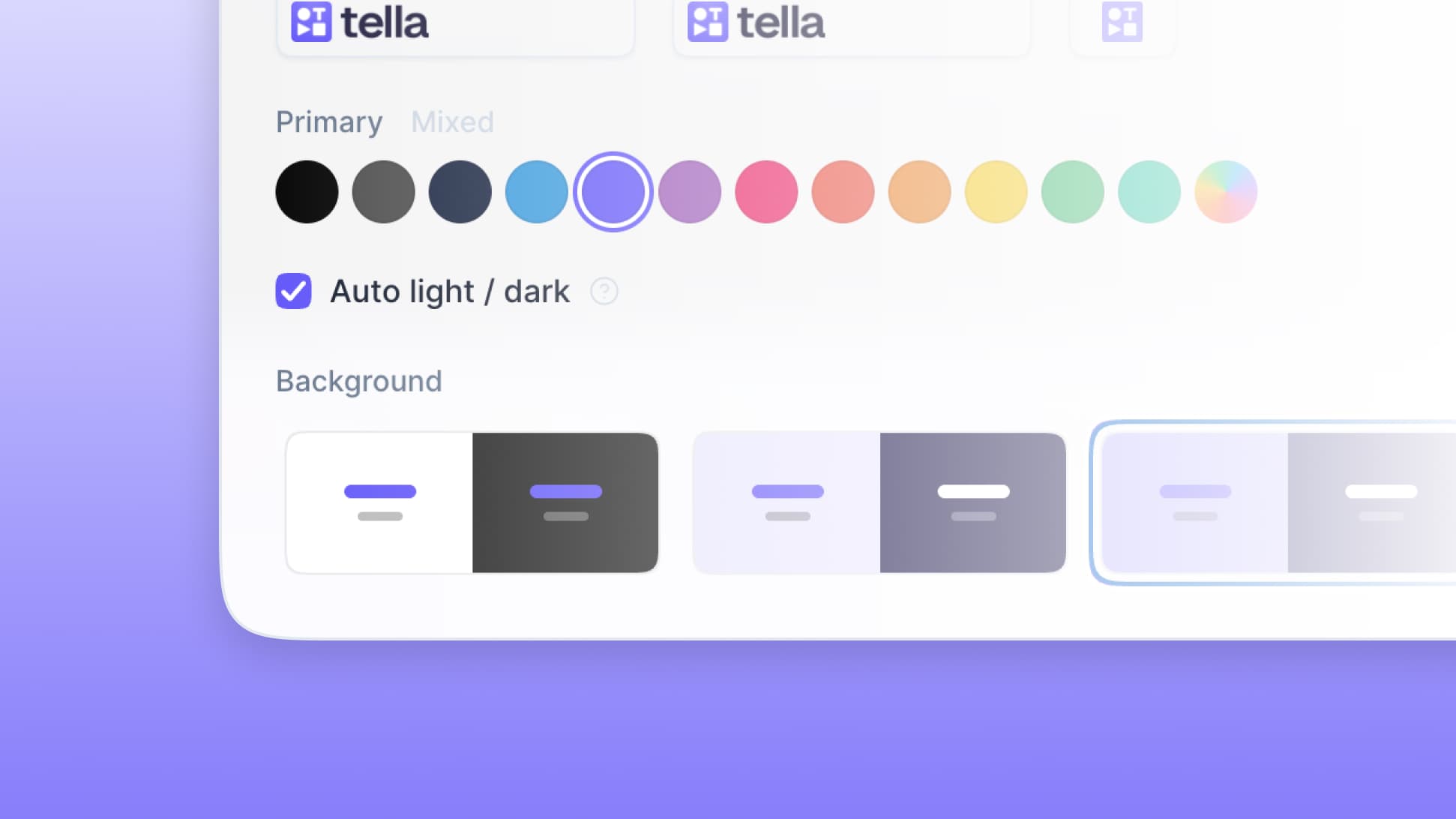
Tella's custom branding feature lets you create stunning, on-brand pages for your videos.
Help Center Walkthru
Grant Shaddick
created a few seconds ago
Overview of new changes to the Help Center
Chapters
Introduction
Quick overview of the Help Center and what we'll cover.
Creating an article
How to start a new article and choose the right category.
Writing and formatting
Using the editor to add headings, images, and code blocks.
Adding media
Embedding Tella videos and screenshots into your article.
Review and publish
Previewing your article and making it live for customers.
Wrap up
Tips for keeping your Help Center organized and up to date.
Marketing Copywriting Masterclass
Louise de Sadeleer
created a few seconds ago
Frameworks and examples for writing copy that converts.
Chapters
Why most copy fails
The mistakes that kill conversion before the reader hits sentence two.
Know your reader
Research before you write a single word — what to look for.
The hook formula
Earn attention in the first three seconds, then keep it.
Clarity over cleverness
Why simple language outperforms smart-sounding language.
Writing the offer
Make the reader want what you're selling without pushing.
Edit ruthlessly
Cut every word that isn't pulling its weight.

Help Center Design Review
Michiel Westerbeek
created a few seconds ago
Walking through the new designs and where they need work.
Chapters
First impressions
Initial reactions to the homepage and overall feel.
Information hierarchy
Where the eye lands first, and where it should land.
Search experience
The most important interaction on a help center — and it's getting buried.
Article layout
Reading patterns, density, and whitespace on long pages.
Navigation and breadcrumbs
Helping users find their way back without getting lost.
Mobile considerations
What needs to change at small sizes.
Raf GaitoYouTuberIf I'm growing quickly on YouTube, I owe it also to TellaMar 12, 2026
Antoine SudanFounder of WEDOTella has transformed how we sell.Feb 28, 2026
Josh HaymanCo-founder of InteractWe're super happy to have found TellaJan 15, 2026
Mani YadlaEngineer at FairblockIt's simple, does exactly what you need, and feels really well made.Dec 3, 2025
Mike FutiaFounder of AI Automation Made EasyBest new tool for recording is TellaNov 19, 2025
Steven TeyFounder of DubSigned up for it earlier this year and never looked back.Oct 7, 2025
TGPartnerships at Ship 30 for 30I love TellaSep 22, 2025
Elizabeth LinFounder of Design Is a PartyHighly recommend checking it outAug 14, 2025
David PaffenholzCo-founder of JuiceboxTella is awesome!Jul 30, 2025
Raf GaitoYouTuberIf I'm growing quickly on YouTube, I owe it also to TellaMar 12, 2026
Antoine SudanFounder of WEDOTella has transformed how we sell.Feb 28, 2026
Josh HaymanCo-founder of InteractWe're super happy to have found TellaJan 15, 2026
Mani YadlaEngineer at FairblockIt's simple, does exactly what you need, and feels really well made.Dec 3, 2025
Mike FutiaFounder of AI Automation Made EasyBest new tool for recording is TellaNov 19, 2025
Steven TeyFounder of DubSigned up for it earlier this year and never looked back.Oct 7, 2025
TGPartnerships at Ship 30 for 30I love TellaSep 22, 2025
Elizabeth LinFounder of Design Is a PartyHighly recommend checking it outAug 14, 2025
David PaffenholzCo-founder of JuiceboxTella is awesome!Jul 30, 2025Every video, on-brand

Extend your brand
Videos are a key part of your brand and now you can make them look that way too.
Build recognition
Most video pages look exactly the same, now it's easy to make yours stand out.
Get creative
No brand, no worries. Pick a fun theme that matches your style. Update it whenever you like.
FAQ
In your Tella account navigate to your account settings then click on the "Branding" option. You can set the branding for your video pages here. Some features, like full-width logos are only available on Tella Premium. You can also adjust branding on the view page itself. Open one of your videos to its view page and then click on the three dots in the top right and then click "Theme".
Start by defining your audience and key message, making sure it reflects your brand's values. Write a script that tells an engaging and authentic story. Use high-quality visuals and clear audio to make it look professional. Include your logo, brand colors, and fonts to keep it consistent. Use a pro screen & camera recorder like Tella to create engaging videos that are easy to share.
Your custom branding settings apply to all videos and team members in your workspace. Right now it's not possible to have different brands or themes across different videos within the same workspace. However, you can create a new workspace and use different branding settings there.
Custom branding is available on Free, Pro and Premium plans. Some features like adding a full-width logo, removing the "Made with Tella" badge, and custom domains are only available on Tella Premium.