
Cut Video
Cut silences, ums, and dead air from long recordings automatically.
Open-source Claude Code skills for making video, faster — cut the dead air, clip the best moments, add the zooms, and source the b-roll. The same tools the Tella growth team uses to ship video every week.
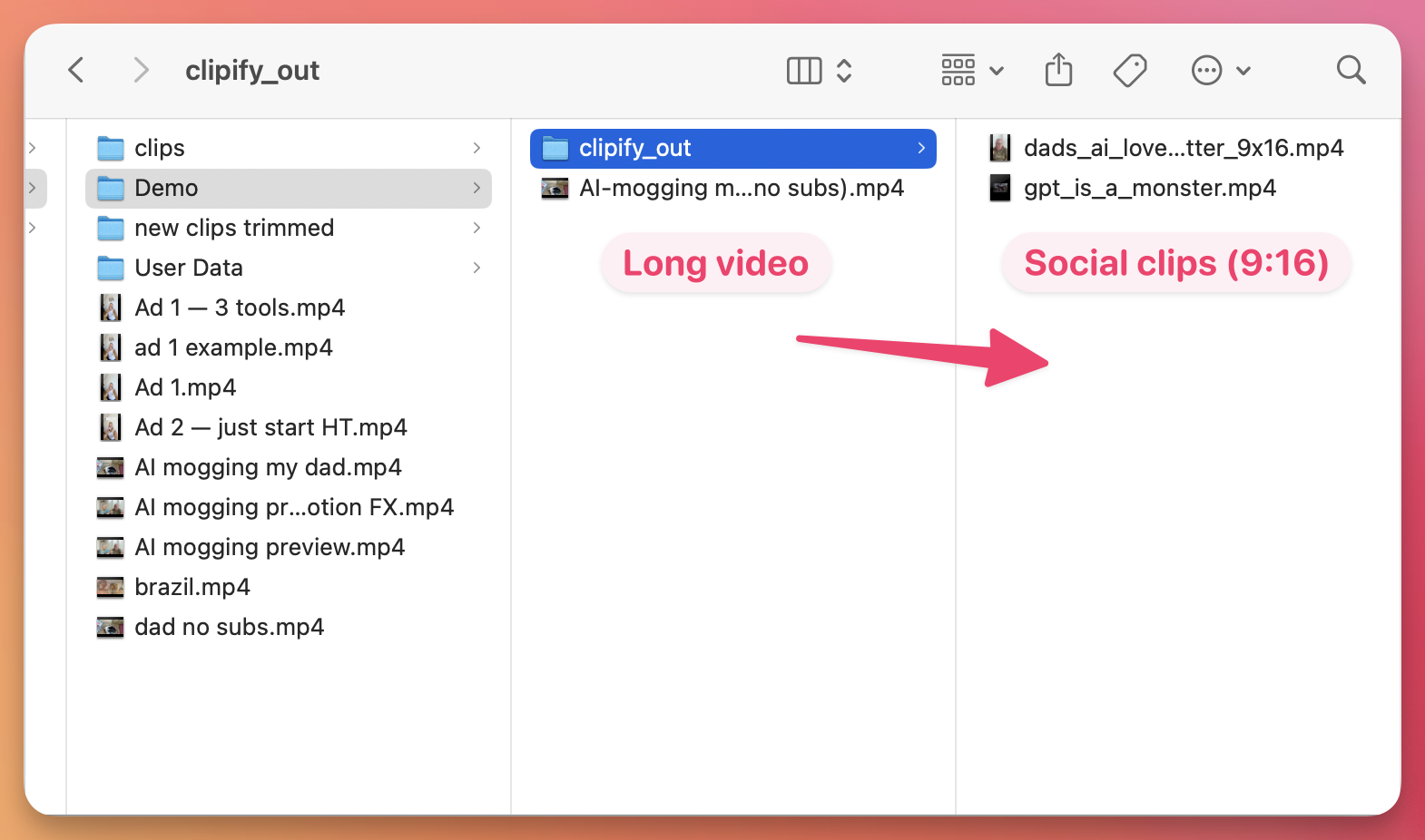
Cut silences, ums, and dead air from long recordings automatically.
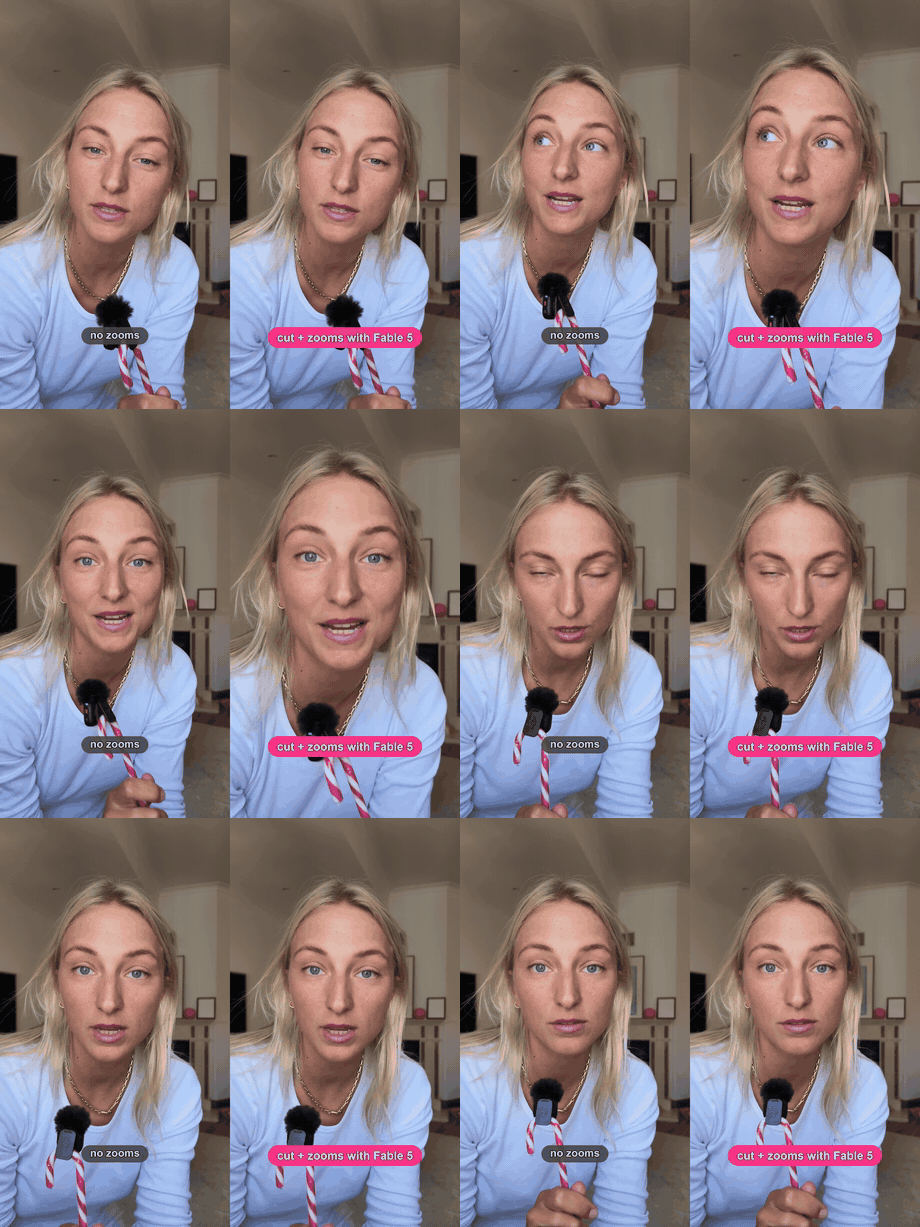
Add punch-zooms and Ken Burns pushes to flat talking-head clips.
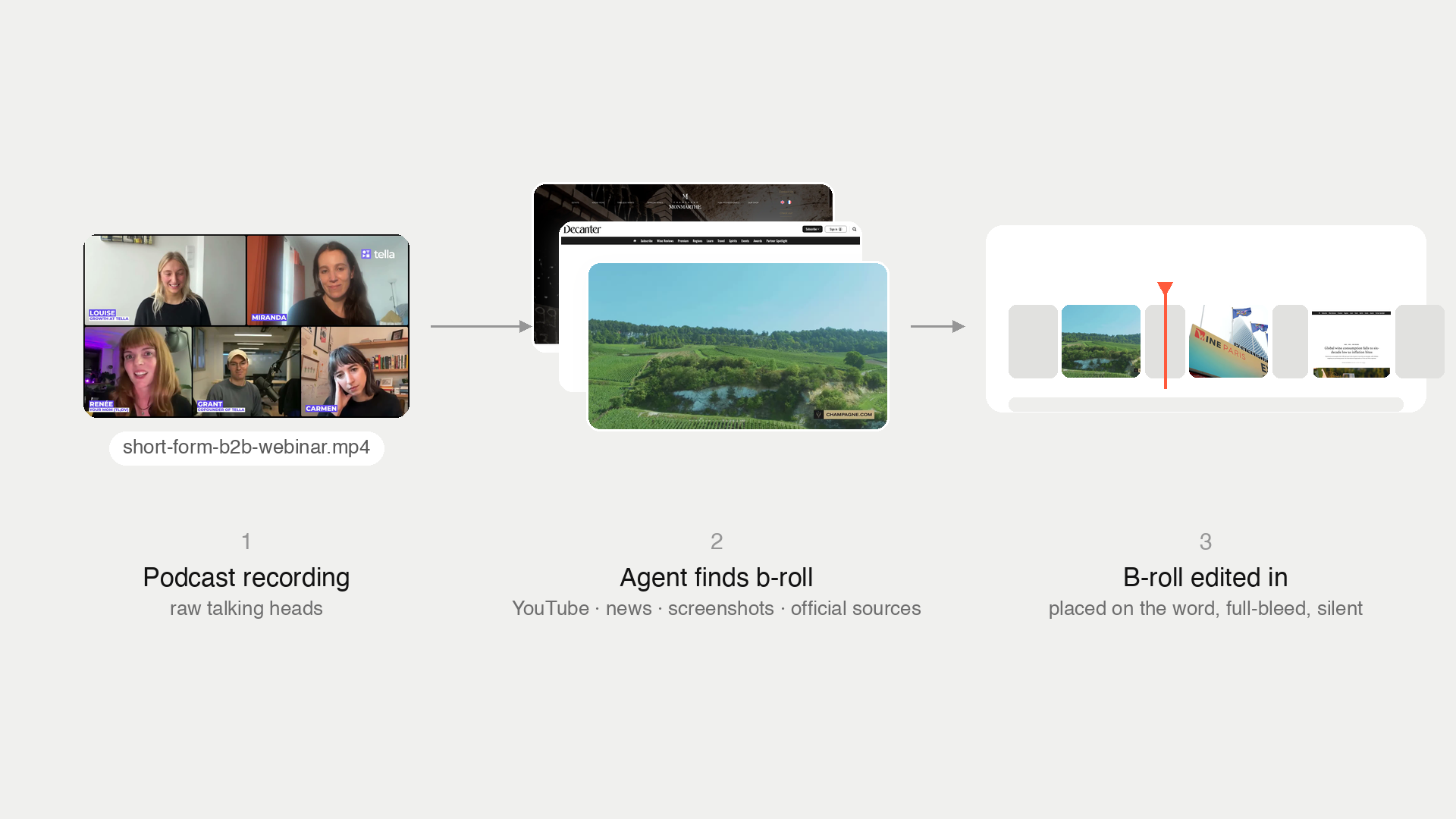
Source on-brand b-roll and place it on the exact right word.
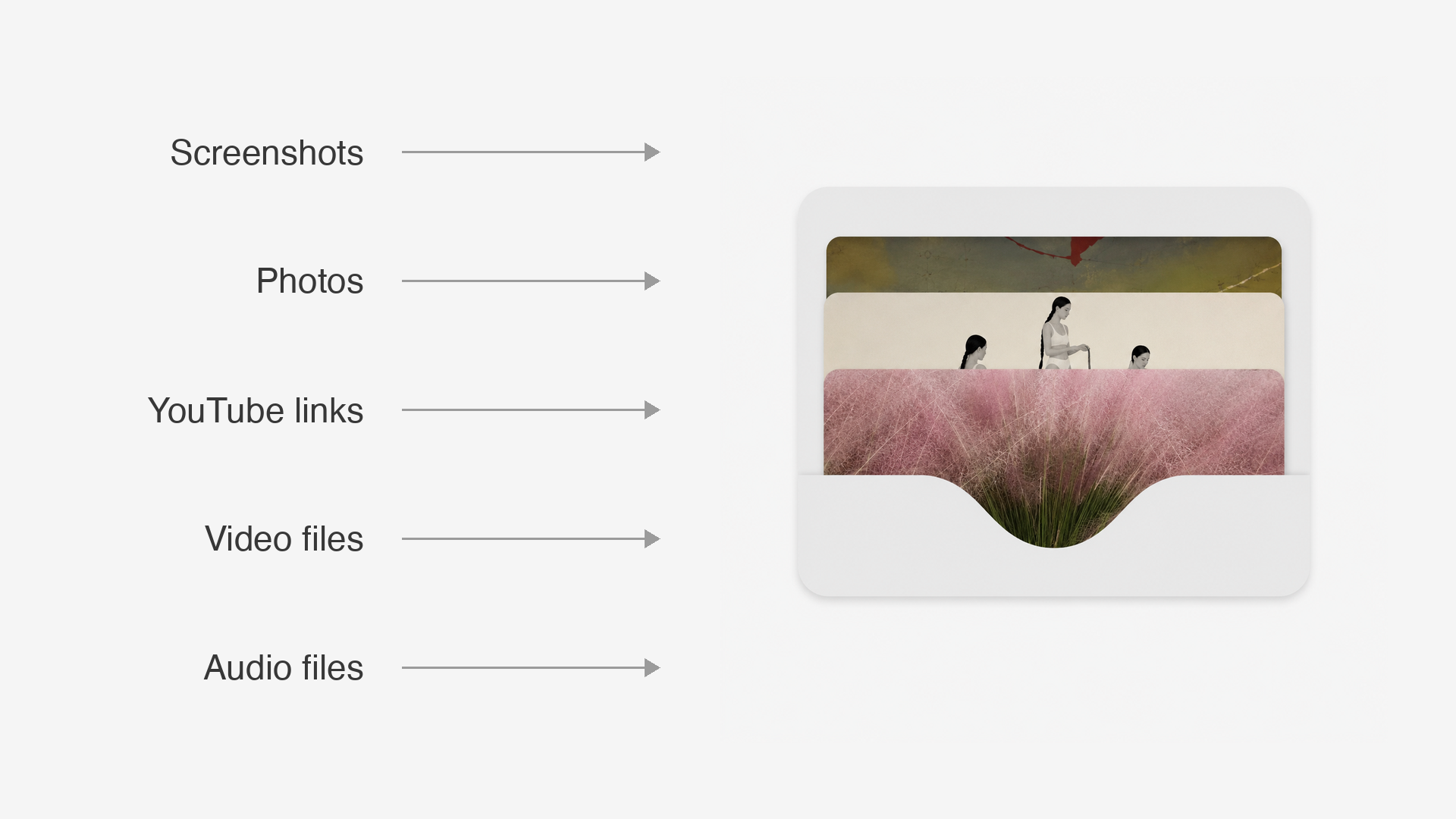
Drop assets in Slack — they land organized and named on your machine.
A Claude Code skill is a folder of instructions — a SKILL.md file, usually with a few supporting scripts — that teaches Claude Code how to do one specific job well. Once installed, most skills show up as a slash command: run /cut-video or /clipify, hand it a file, and the agent follows the skill's playbook instead of improvising.
The skills in this directory are all open source and all about video: editing (cutting dead air, clipping long recordings, adding zooms), sourcing b-roll and managing assets, and publishing. Each one comes from a workflow the Tella growth team actually uses to ship video every week.
Installing one usually takes a single git clone into ~/.claude/skills/ — the exact command is on every skill's page, along with what it does, how to use it, and a demo.
Most skills here install with one command: clone the repo into ~/.claude/skills/ and restart Claude Code. A couple register by pointing your CLAUDE.md at the repo's SKILL.md, and Tella to YouTube installs as a Claude Code plugin. Every skill page in this directory shows its exact copy-paste install command.
Run its slash command — /cut-video, /clipify, /find-broll — and hand it a file path or transcript. The skills propose a plan first (a cut list, candidate clips, a per-beat b-roll plan) and wait for your go before rendering anything.
Yes — every skill in the directory is open source with a public GitHub repo, free to clone, use, and fork. Some connect to external services with your own credentials: Tella to YouTube needs a Tella API key and Google OAuth credentials to upload to YouTube.
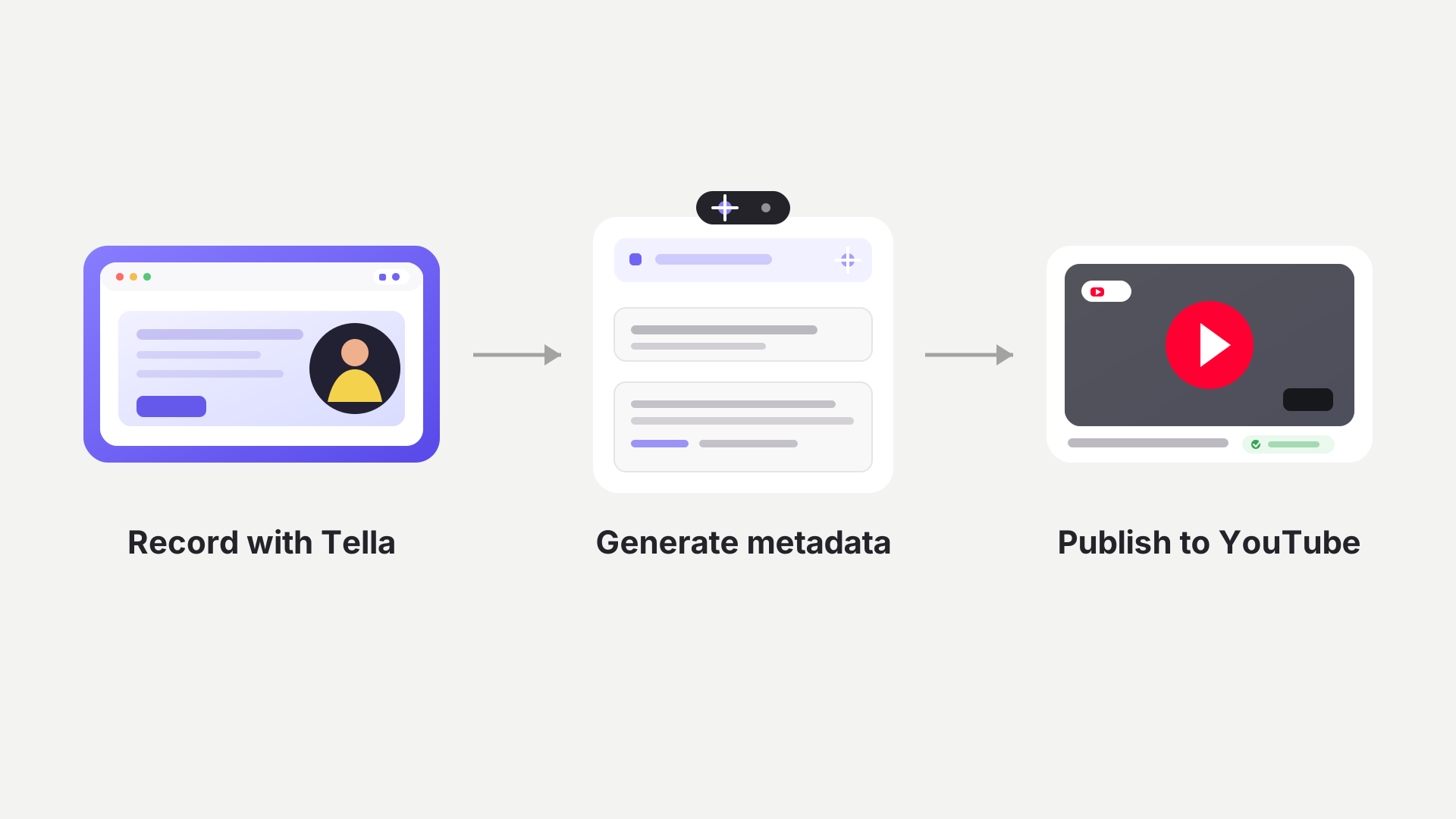
No. The editing and b-roll skills work on any local video file, no matter what you recorded it with. The exception is Tella to YouTube, which publishes your latest Tella screen recording straight to YouTube in 4K.
They're built and tested for Claude Code. Because a skill is a plain SKILL.md plus scripts, some also run elsewhere — Tella to YouTube explicitly works with Claude Code, Claude Cowork, Codex, Cursor, or by hand.
Most are built by Louise de Sadeleer on the Tella growth team, from the workflows she uses to ship Tella's own videos every week. Tella to YouTube is a community contribution from Tom Granot. More are on the way.
