Slack Assets Bot
About
In an age of agentic video editing, the thing that makes your work feel like yours is the taste you bring — the niche meme, the screenshot of that one tweet, the sound effect that always lands. This bot is a low-friction way to keep that library at hand.
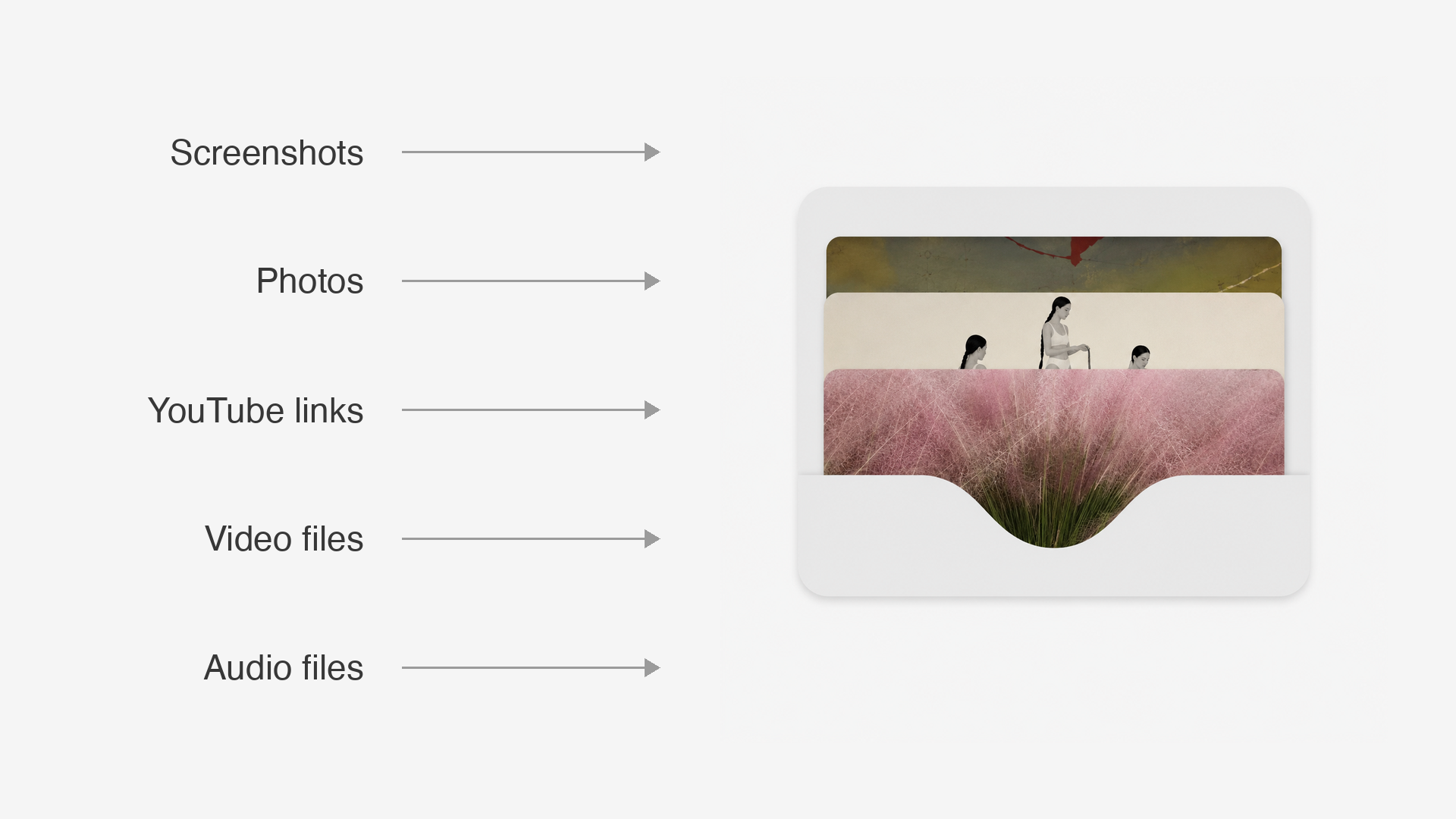
Drop anything into a Slack DM — files, YouTube links, image URLs — and it sorts everything into category folders on your machine, named so Claude (or you) can find it later. Build the asset bank, then let the agents do the editing.
Files route by mimetype, YouTube links download both the .mp4 and .mp3, and generic image names get a descriptive slug from Claude vision so the library is searchable by content.
What it does
- Files route by mimetype — images through a classifier, videos to videos/, audio to sounds/
- YouTube links download the video and the audio; other URLs route by Content-Type
- Rename on the fly with name: foo, or bundle per project with project: my-launch
- Auto-naming — generic CleanShot / IMG / Screenshot files get a descriptive slug from Claude vision
- Private by default — the setup wizard locks the bot to you, chosen teammates, or the whole workspace
Install
$ git clone https://github.com/louisedesadeleer/slack-assets-bot.git$ cd slack-assets-bot$ python3 -m venv .venv && source .venv/bin/activate$ pip install -r requirements.txt$ python setup.pyFirst create the Slack app from the repo's manifest.yml — the full one-time Slack setup is in the README.
How to use it
- Open a DM with the bot in Slack.
- Drop a file, paste a YouTube link, or send an image URL — it files each asset on your machine.
- Later, tell your editor “use the kanye meme” and it finds the file by name.