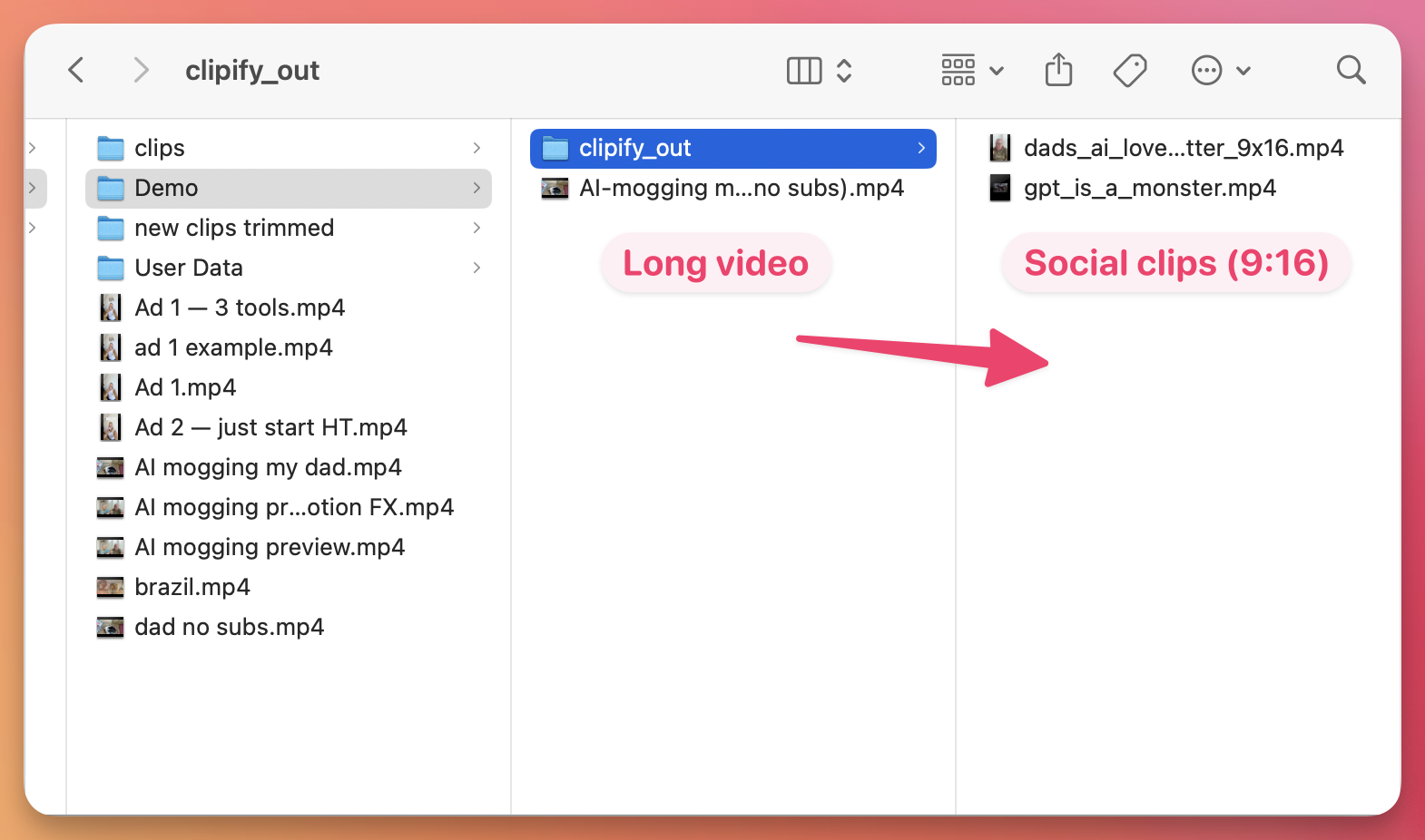
Social Explainer Edit
About
You need a Tella account to use this skill: it runs in Tella's editor agent (or any agent connected to the Tella MCP) on a video you've recorded or uploaded to Tella. It doesn't work on local video files. It edits a vertical (9:16) talking-head explainer for TikTok, Reels, Shorts or LinkedIn, about 60–75 seconds long.
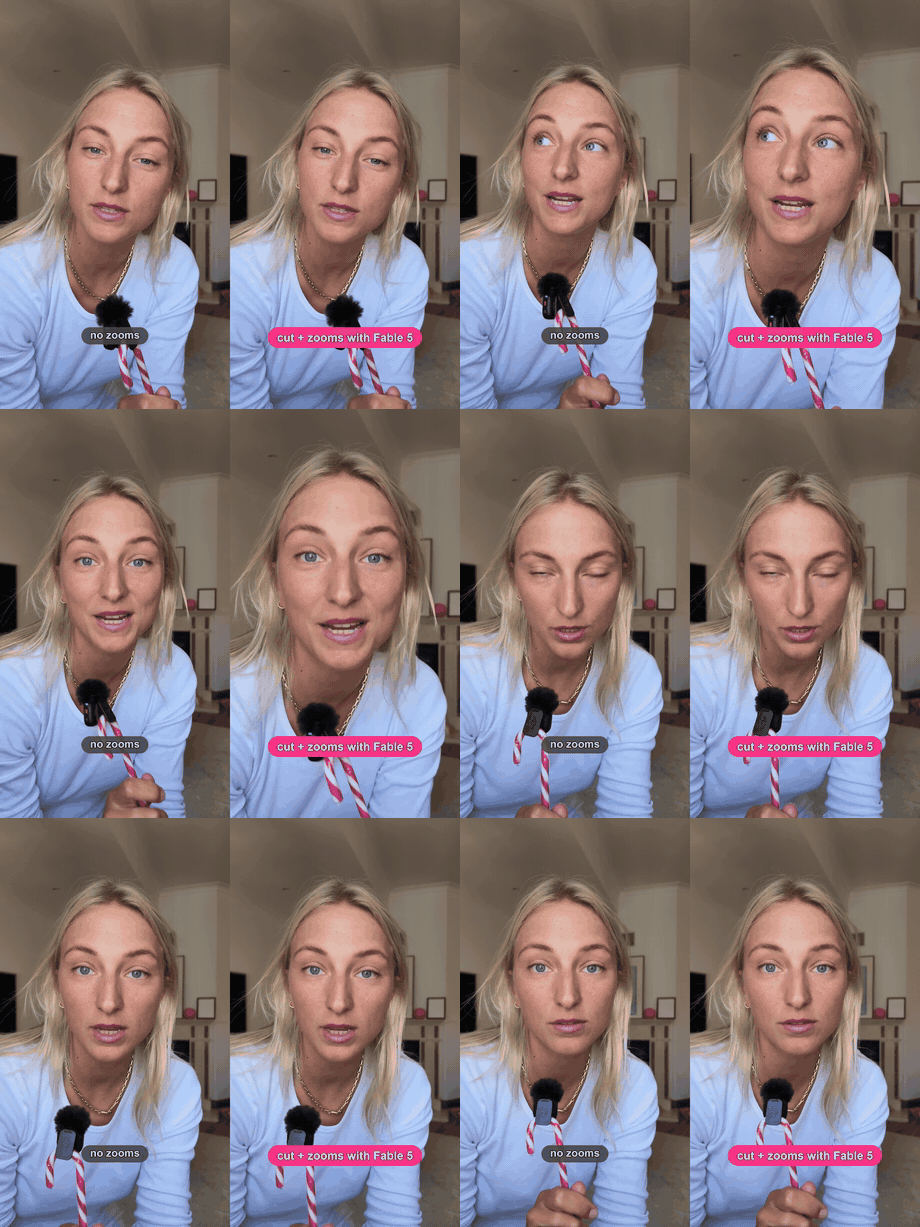
It works in passes and stops after each one so you can review and correct: a strict cut, punch-ins on emphasis, keyword titles, word-by-word sentence reveals behind you, photo-overlay clusters inside the social safe zone, a hook intro, and sound effects as images land.
It styles text with your own text presets, fonts and colours. Point it at a reference video and it matches the reference's opening and rhythm.
What it does
- Keeps only the last good take of every retake, removes fillers, then trims every pause to about 80 ms of air
- Adds 8–12 hard-cut 115% punch-ins on punchlines, key claims and the kicker
- Echoes keywords as short titles at the top of the frame, inside the safe zone
- Reveals 2–3 thesis sentences word by word, in time with your speech, behind you
- Sources photos from your library first and shows a contact sheet before placing anything
- Places images in word-synced clusters of 2–4, centred in the safe zone, with a click as each one lands
- Builds a hook intro: a big title, a tweet or headline as the receipt, and a punch-in opening
Install
$ Save https://www.tella.com/skills/social-explainer-edit/SKILL.md as a skillPaste this into the AI chat in Tella's editor and approve the skill when it asks. It's then available on every video.
How to use it
- Open a vertical talking-head video in Tella and ask the AI chat to edit it as a social explainer. Attach a reference video if you have one.
- It cuts first and shows you the result. Give corrections, then ask for the next pass: punch-ins, titles, sentence reveals, images, the intro hook, then sounds.
- For the intro, give it the hook line and the tweet or headline you want on screen.