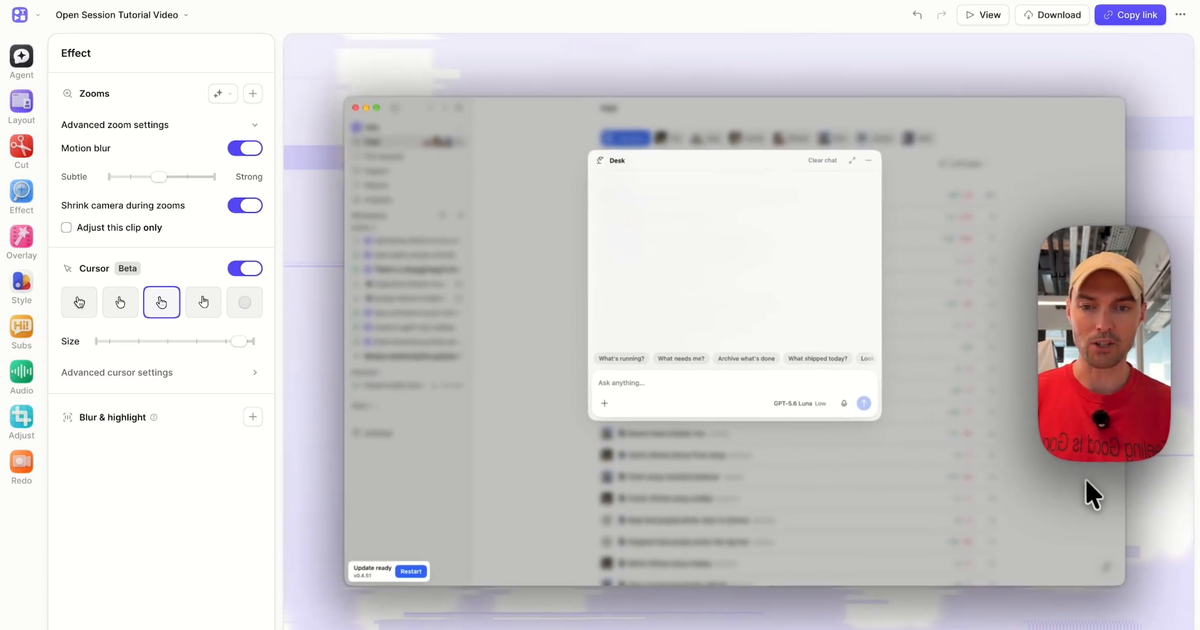
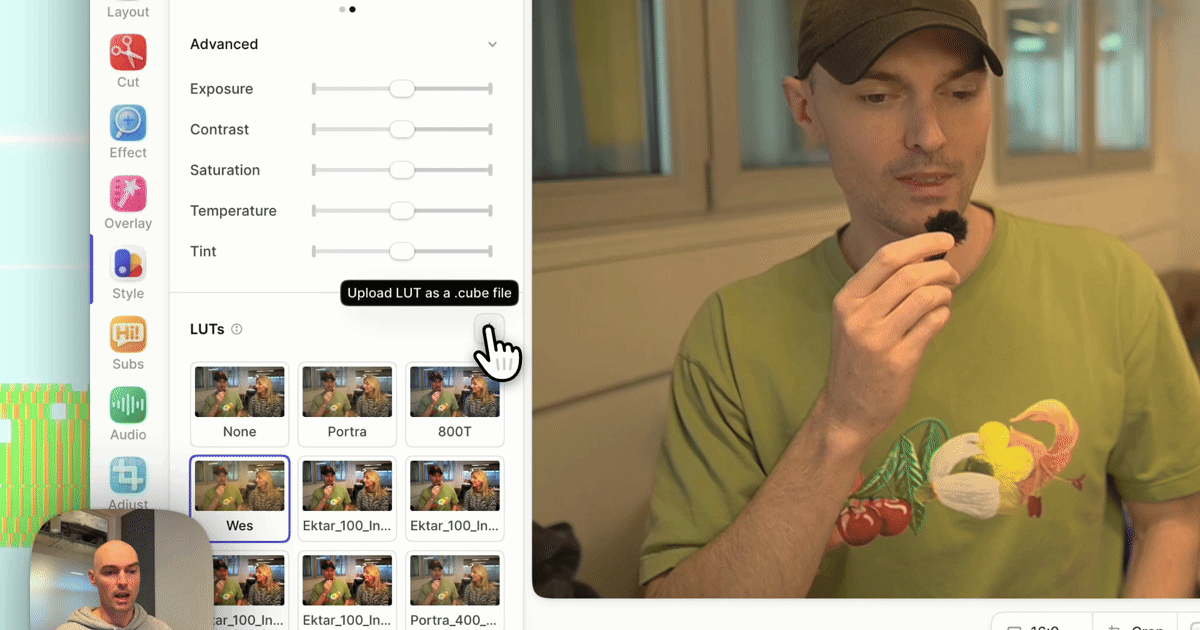
How to crop a screen recording
How to crop a screen recording after the fact, to remove the dock, your tabs, or anything else you did not mean to capture.
We’re always looking for new ways to make better videos, and cropping is our latest. Now you can remove parts of a screen recording after you’ve recorded. Here are some fun ways to use it 👇.
Ditch the dock
Leave your desktop as messy as you like... then crop it out later. 🪄
Top your tabs
Bit of a tab hoarder? No need to worry, it only takes two clicks to crop them off. ✂️
Hone in on highlights
Who says screen recordings have to be the whole screen? Focus on specific features or content by cropping everything but the essentials. 🎯
Here's a full run through of how it works.