Video editing
51 articles
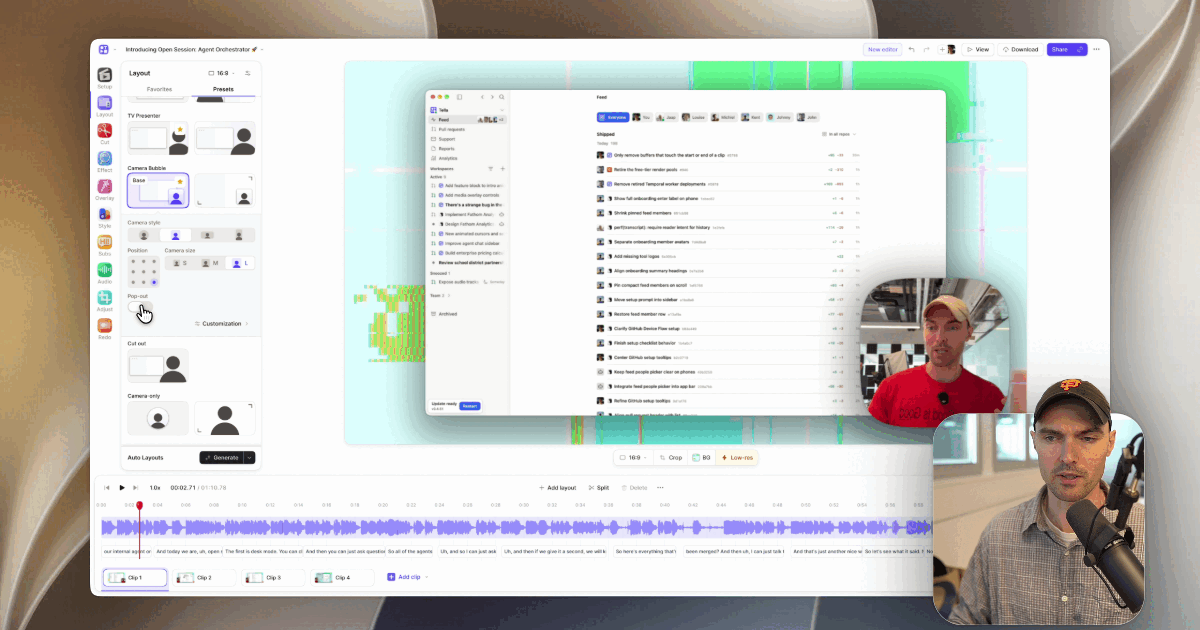
Webcam Frame Styles for Screen Recordings: Blob vs Circle vs Cut-out (and Pop-out)
A picker for webcam frames in screen recordings and product demos: circle, square, landscape, portrait, Blob, Cut-out, and…
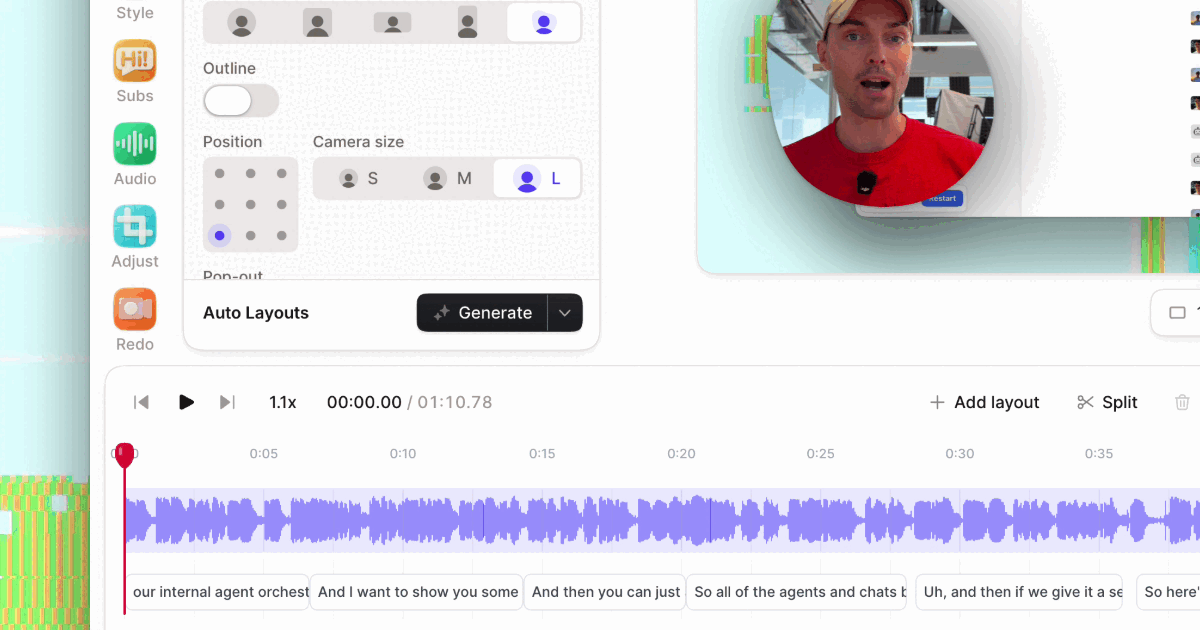
Automate Product Demo Polish With MCP: Zooms, LUTs, Layouts, and Sharing From One Prompt
Connect Claude, ChatGPT, or any MCP client to Tella and have an AI agent polish a raw screen recording: cut…
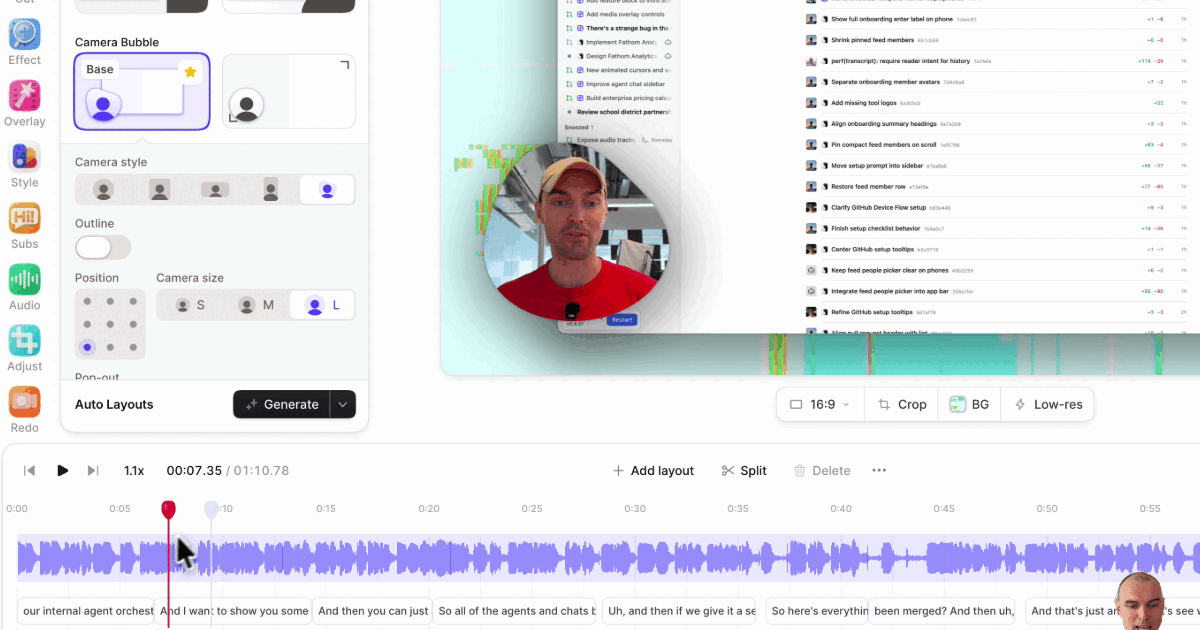
Blob Camera for Product Demos: An Organic Webcam Frame That Follows Your Gestures
What Tella's Blob camera style is, when it suits a product demo better than a circle…
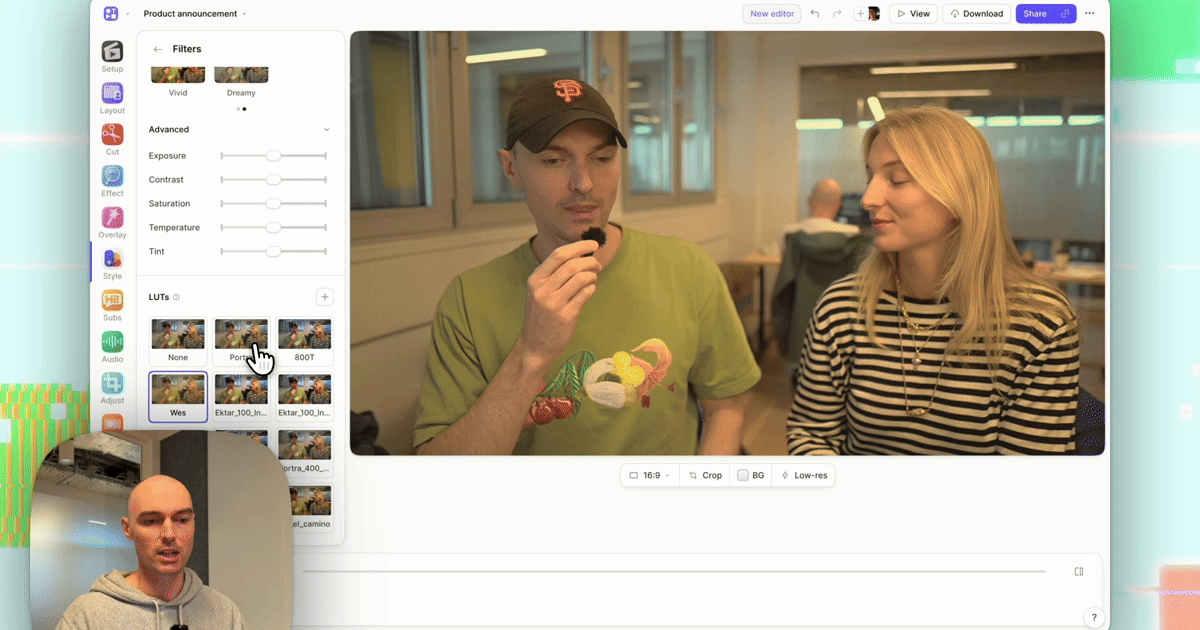
Apply LUTs via MCP: Let an AI Agent Color-Grade Your Product Videos
Connect Claude, ChatGPT, or any MCP client to Tella and have it color-grade screen recordings: apply presets and…
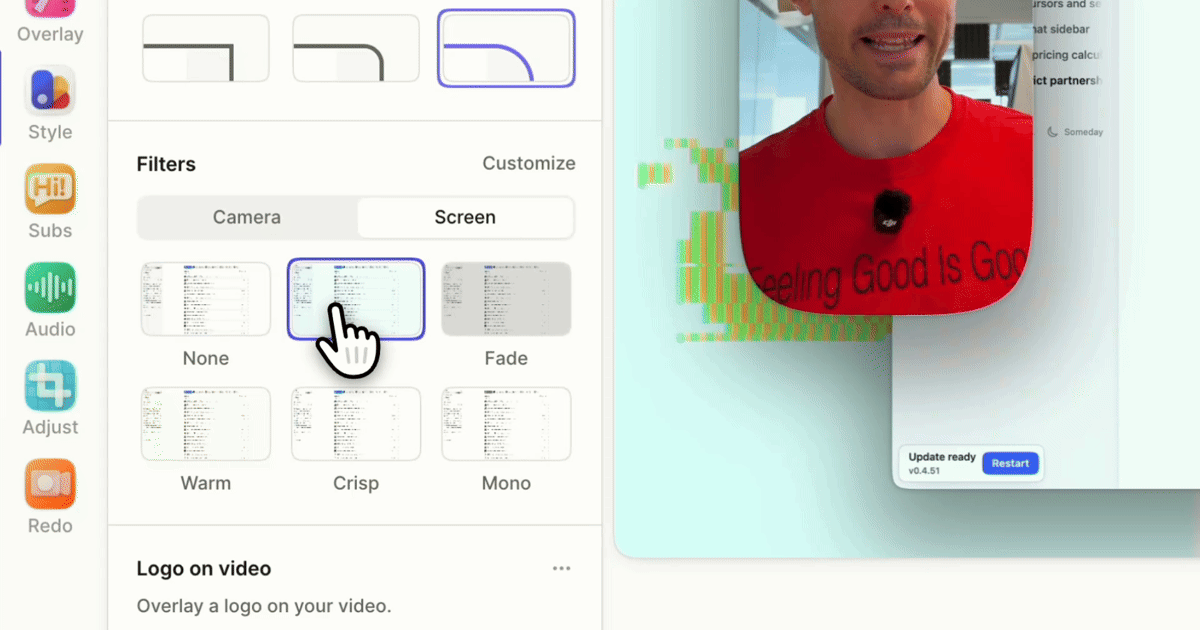
How to Match Brand Colors Across Camera and Screen Recordings
Keep a consistent, on-brand look across every clip of a screen recording: leave product UI colors accurate,…
How to Color Grade a SaaS Product Demo Without CapCut: The Full Workflow
A screen-and-camera SaaS demo, from recording to a graded, shared link, without exporting to CapCut: record, cut, zoom,…
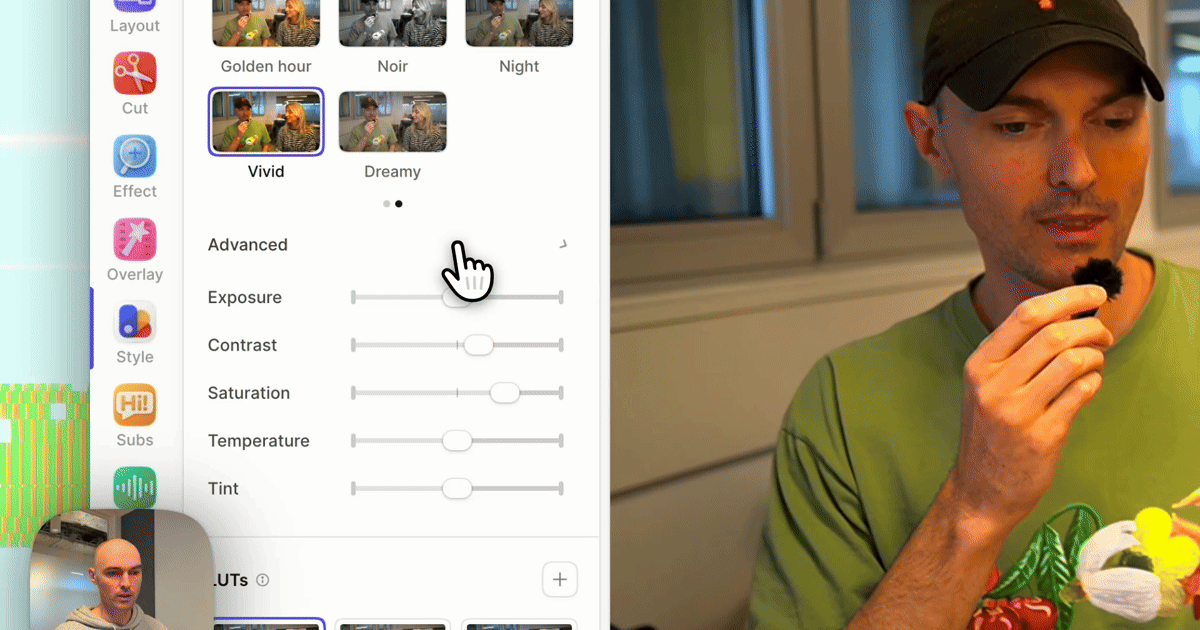
How to Color Grade Your Webcam Without CapCut or Premiere
Give a webcam recording a film look without exporting to a timeline editor: correct exposure and white balance,…
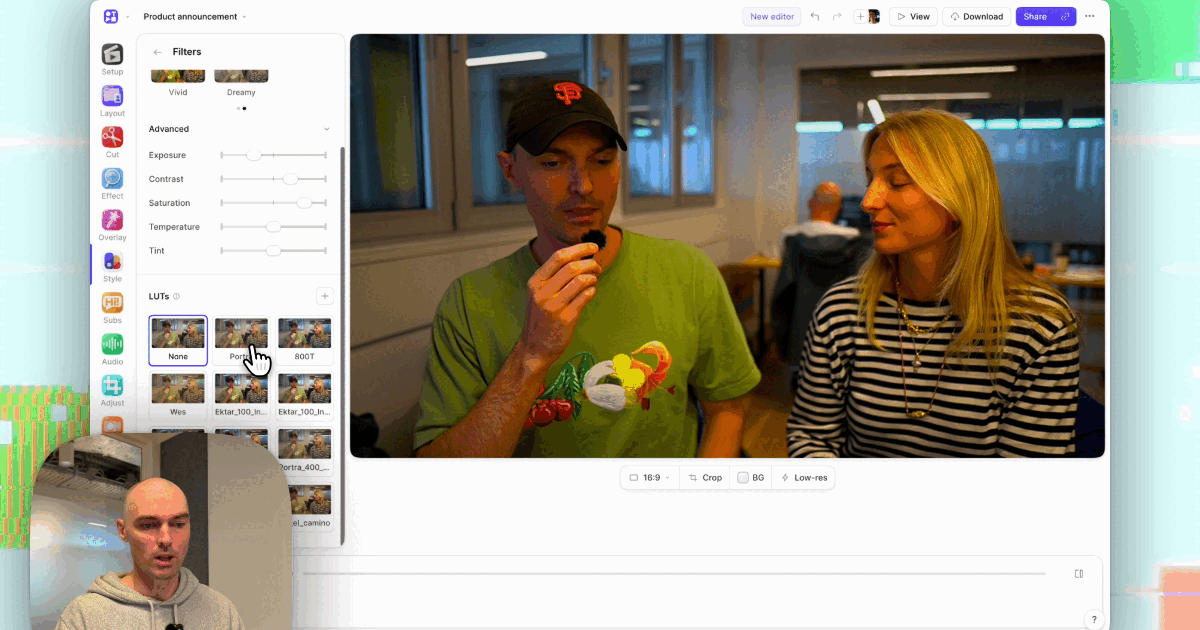
Best Screen Recorders With Color Filters and LUT Support (2026)
Screen recorders that can color grade what they record, compared: Tella, OBS Studio, Camtasia, and CapCut, plus Camo for…
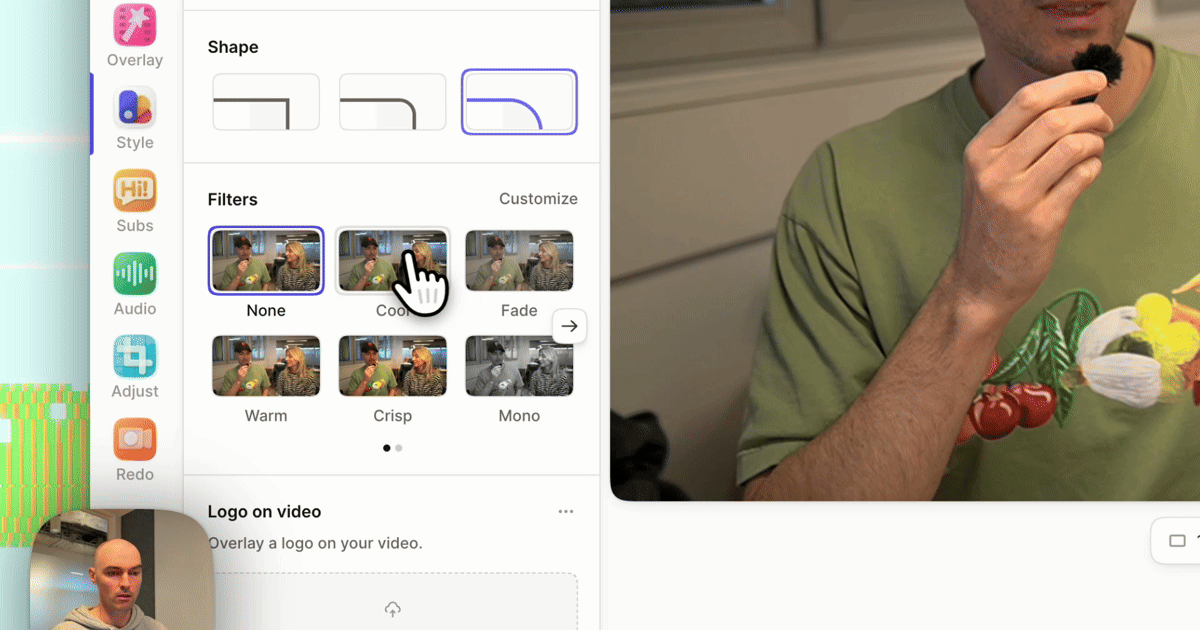
Color Filters for Product Demos: Warm, Crisp, Mono, and When to Use Each
Which color filter to use on a product demo or screen recording: what Tella's Warm, Cool, Crisp, Fade,…
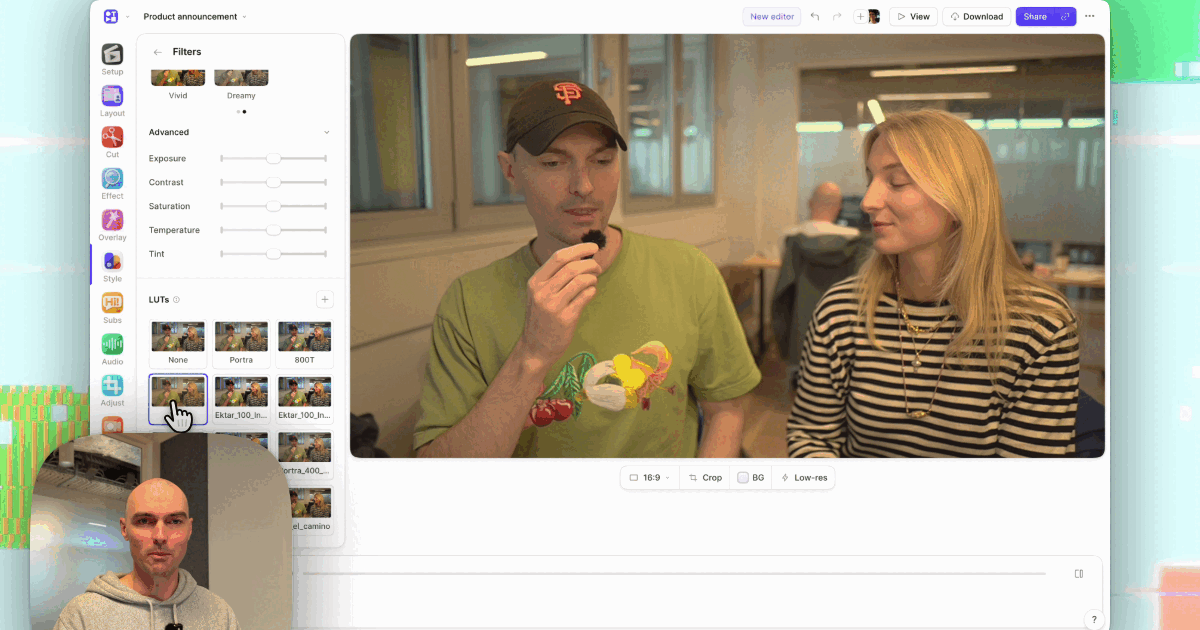
How to Export a .cube LUT From DaVinci Resolve for Your Screen Recordings
Build a grade once in DaVinci Resolve, export it as a 33 or 65-point .cube LUT, and apply it to…
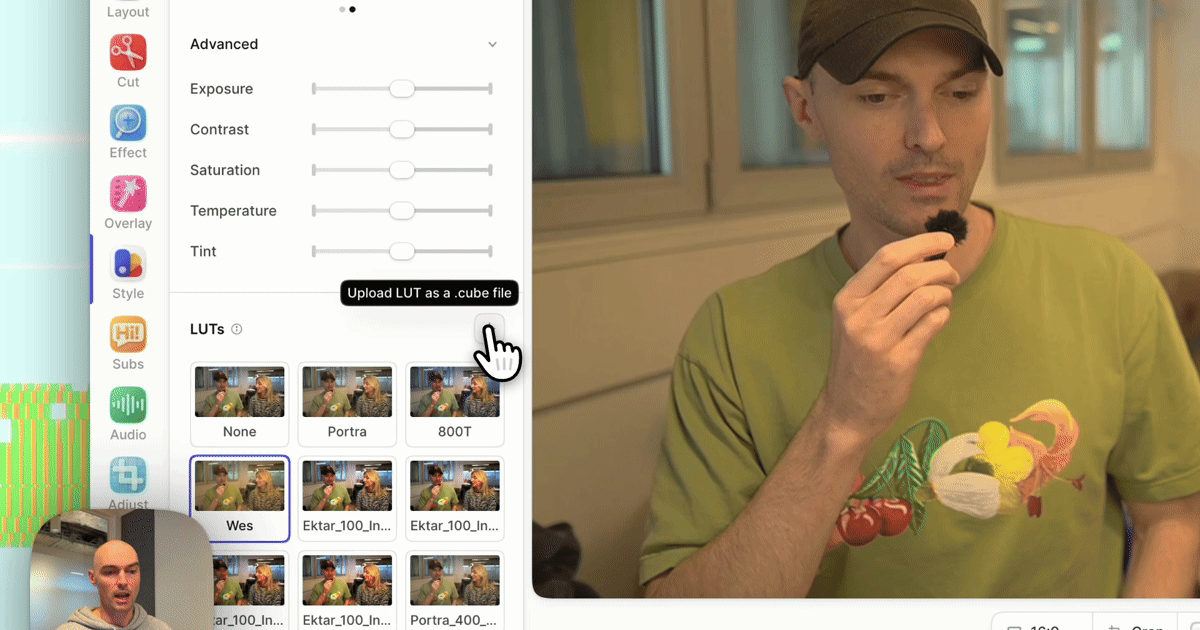
How to Apply a .cube LUT to a Screen Recording
Apply a .cube LUT to a screen recording or webcam clip without exporting to a video editor:…
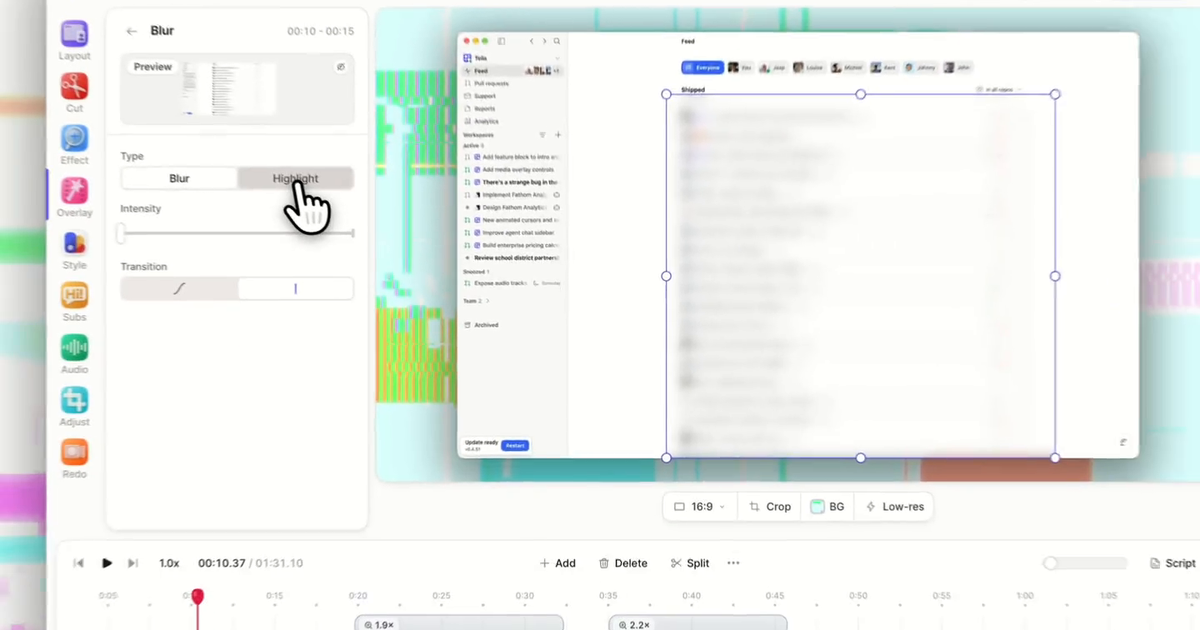
How to Blur Passwords and Customer Data in a Screen Recording
How to blur a password, email address, API key, or customer record in a screen recording after you've recorded…
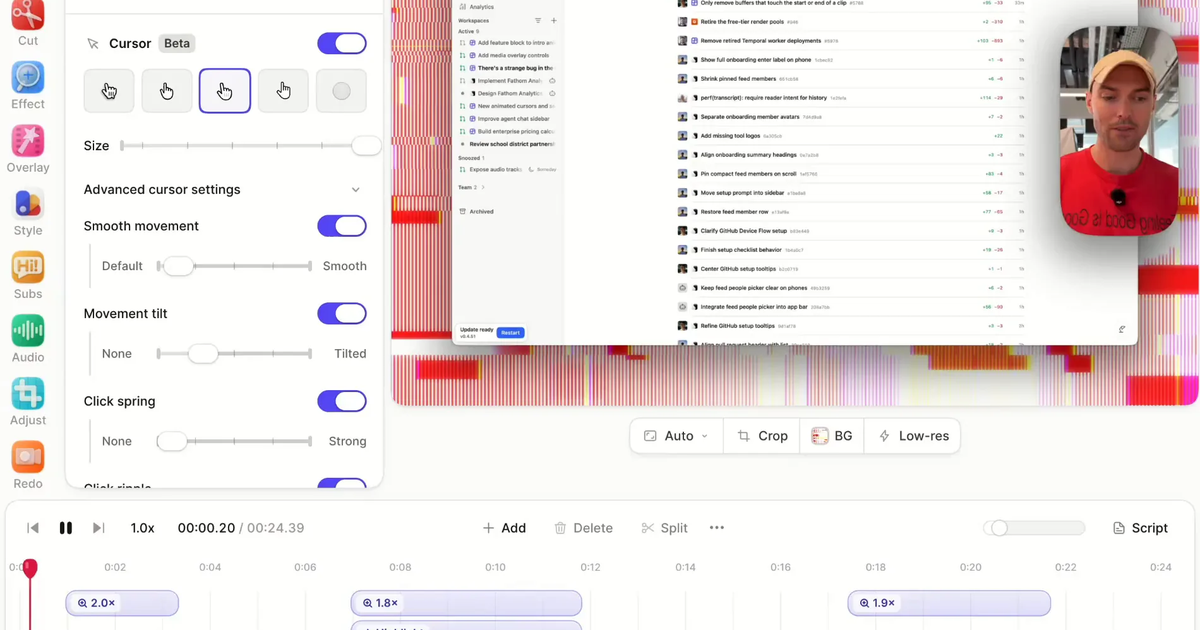
Animated Cursors for Screen Recordings (macOS, Windows, Touch)
How to get a smooth, oversized, restyled cursor in a screen recording after you record: choose a macOS,…
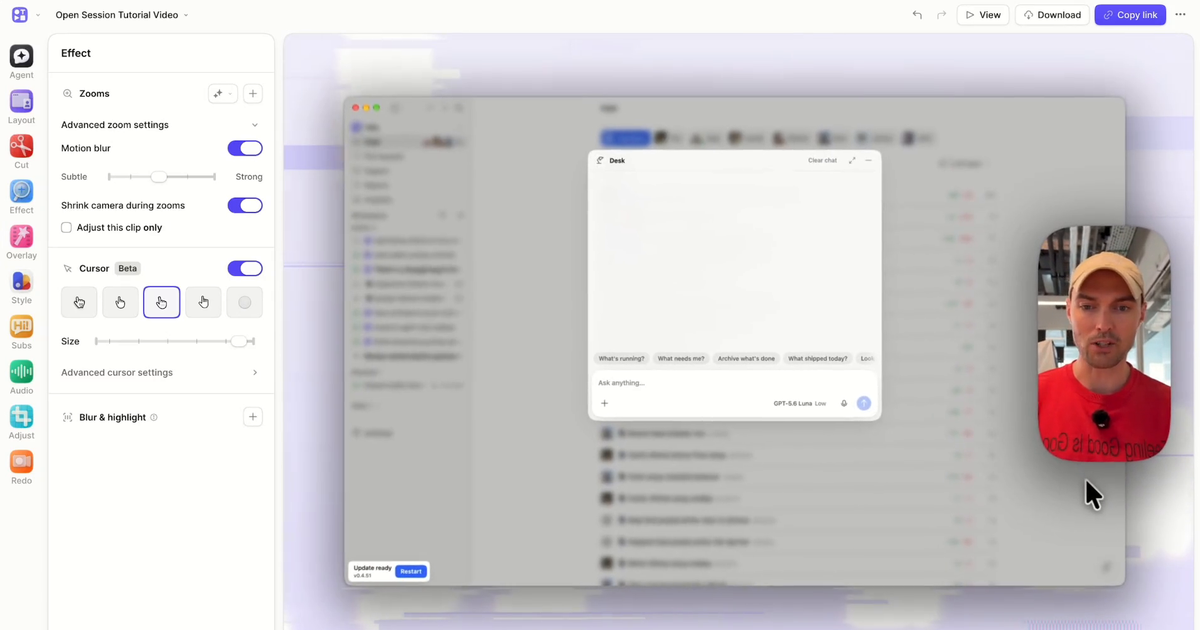
How to Add Zooms to Your Screen Recording After You Record
How to add automatic zooms to a screen recording after you've recorded it: generate zooms from your clicks, pick…

How to Use Remotion Agent Skills With Claude Code
Install Remotion Agent Skills in Claude Code, create or open a Remotion…
The 12 Best Claude Code Skills in 2026 (With Install Commands)
The best Claude Code skills in 2026 — from Anthropic's official document skills and Superpowers to video editing skills…
Comment éditer les sous-titres vidéo
Comment éditer les sous-titres d'une vidéo, corriger les erreurs de…
How to add text on Capcut in 2024?
How to add text on CapCut, step by step, on desktop,…
How to blur on CapCut in 2024?
How to blur part of a video in CapCut, for privacy…
How to crop a video on CapCut in 2024?
How to crop a video in CapCut, step by…
YouTube Description Generator
Use Tella’s free AI YouTube Description Generator with no login, then refine…
When Was Green Screen Invented?
When green screen was invented, and how chroma keying…
How to Crop a Screen Recording?
How to crop a screen recording to cut out clutter…
How to Blur a Video in Canva?
How to blur a video in Canva, step by step,…
40 Awesome Video Tools for Creators in 2024
Forty video tools for creators, covering recording, editing, captions, thumbnails,…
Descript Video Editing: How Does It Work
How Descript video editing works, editing footage by editing its transcript, plus…
YouTube Description in 2024: Examples, Templates, Copy
How to write a YouTube description that helps your video…
What is Descript?
What Descript is, what you can use it for, how…
12 Best Twitter Video Tools in 2026
The 12 best Twitter (X) video tools to create, edit, and download videos for…
10 Descript Alternatives You Can Try for Free
Ten free Descript alternatives for editing video and audio, including…
OBS Zoom Effects & Mouse Follow
How to add zoom effects and mouse follow to OBS…
Evolution of the Tella Homepage
Eight versions of the Tella homepage in three years,…
How to Record on Google Meet (Host, Guest, or Without Premium)
Google Meet's built-in recorder needs an eligible paid Google plan and recording access. Learn how to record a Google Meet as…
How to draw on Canva
How to use Canva's Draw tool for freehand drawing,…
How to Add Captions to Reels
How to add captions to Instagram Reels, using automatic captions…
13 Must-Have Video Editing Tools for Better Video Storytelling
Thirteen video editing tools for better video storytelling, covering…
13 Outils de Montage Vidéo pour une Meilleure Narration
Treize outils de montage vidéo pour améliorer votre narration…
Comment Ajouter du Texte dans Final Cut Pro
Comment ajouter du texte dans Final Cut Pro, étape par…
How to add text in Final Cut Pro
How to add text in Final Cut Pro, step by…
Final Cut Pro vs Adobe Premiere Pro : Lequel est le meilleur en 2024 ?
Final Cut Pro ou Adobe Premiere Pro : comparaison des fonctionnalités,…
Final Cut Pro vs Adobe Premiere Pro: Which One Is Better in 2024?
Final Cut Pro vs Adobe Premiere Pro compared on features, performance,…
3 YouTube Channel Name Generators
Compare 3 free YouTube name generators — GetWelder, Hootsuite, and Wix — plus…
10 applications pour ajouter des sous-titres à vos vidéos
Découvrez 10 applications pour ajouter des sous-titres à vos vidéos,…
10 Apps to Add Subtitles to your Videos
Ten subtitle apps compared for adding captions to your videos, with the features,…
How to Record a YouTube Video 101
How to record a YouTube video from scratch, what to record…
Add a Zoom Effect To Your Video
How to add a zoom effect to a video, place and time…
How to Add Subtitles to Twitter, LinkedIn, Facebook, and YouTube Videos
How to add subtitles to YouTube, LinkedIn, Facebook, and Twitter…
How to Edit Video Subtitles
How to create and edit video subtitles, fix the mistakes…
How to crop a screen recording
How to crop a screen recording after the fact, to remove the…
🥞 My Stack: Polly from Murch
Polly of Murch shares the apps behind her workday, from…
🥞 My Stack: Lenny from Milk Video
Lenny, cofounder of Milk Video, shares the apps that keep…