The Best AI Video Editors in 2026: 8 Tools Compared
The best AI video editor depends on what you're editing. We compared Tella, Descript, CapCut, Premiere, DaVinci Resolve, OpusClip, Runway and Riverside on what their AI actually does, who each is for, and what it costs.
The best AI video editor depends on what you're editing. A screen-recorded tutorial, a podcast, a TikTok and a short film need different AI.
We compared eight popular editors on what their AI actually does to your video, who each is for, and what it costs. Facts come from each vendor's own site as of October 2026; these products change fast, so check before you buy.
Disclosure: we make Tella, and it's first on the list.
Quick picks
| Editor | Best for | What the AI does | Starting price |
|---|---|---|---|
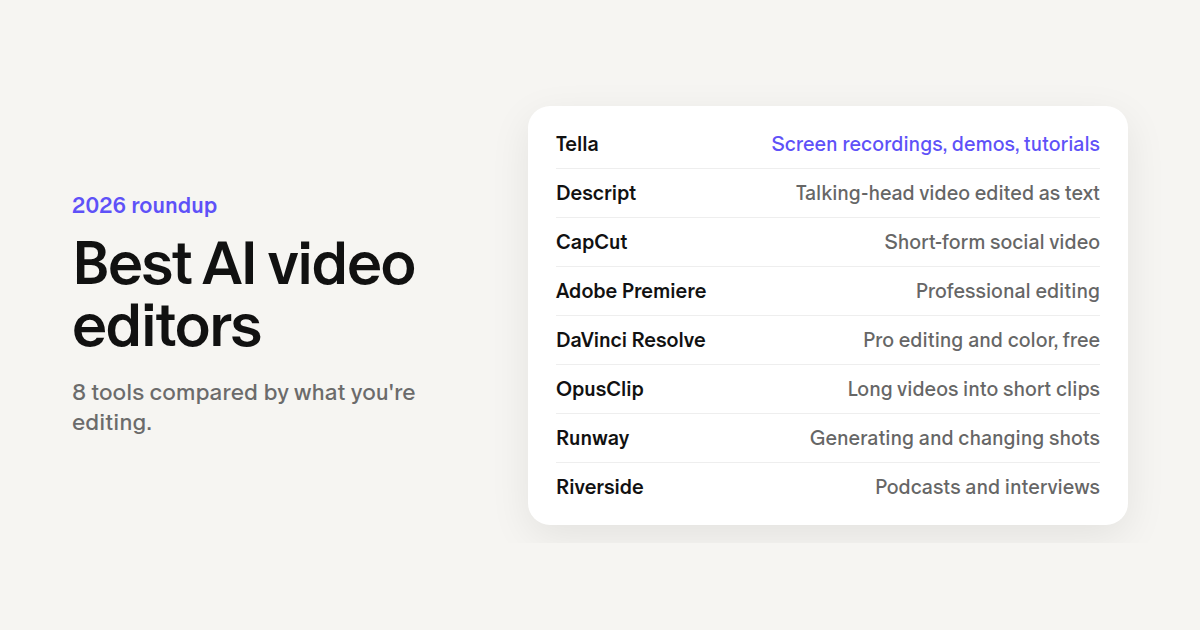
| Tella | Screen recordings, demos, tutorials | Cuts mistakes, zooms on clicks, switches layouts, edits from chat | $13/mo, 7-day trial |
| Descript | Talking-head video edited as text | Edits by transcript, Studio Sound, Underlord agent | Free; paid from $16/mo |
| CapCut | Short-form social video | Auto captions, auto reframe, generated clips | Free; Pro paid |
| Adobe Premiere | Professional editing | Text-based editing, Enhance Speech, Generative Extend | Creative Cloud subscription |
| DaVinci Resolve | Pro editing and color, free | Magic Mask, voice isolation, smart reframe | Free; Studio $295 once |
| OpusClip | Long videos into short clips | Picks clips, captions, reframes | Free; paid from $15/mo |
| Runway | Generating or changing shots | Generates video, edits shots with prompts | Free credits; from $12/mo |
| Riverside | Podcasts and interviews | Magic Clips, Magic Audio, Co-Creator agent | Free; paid from $24/mo |
What an AI video editor does
Most "AI video editors" do one or more of four jobs:
- Clean up what you recorded: remove silences, filler words and retakes, fix audio, add captions.
- Style it: zoom in, reframe for vertical, switch layouts, match color.
- Make new material: generate b-roll, extend a shot, change what's in a frame.
- Edit for you: an agent takes a request like "tighten this to two minutes and add captions" and makes the edits itself.
Pick the editor that's strongest at the job you do most.
1. Tella: best for screen recordings, demos and tutorials
Tella records your screen and camera on Mac, Windows or the web, and edits the recording with AI. It's built for product demos, tutorials, onboarding and sales videos.
- Auto Cut removes silences, filler words and mistakes. You can also trim by editing the transcript.
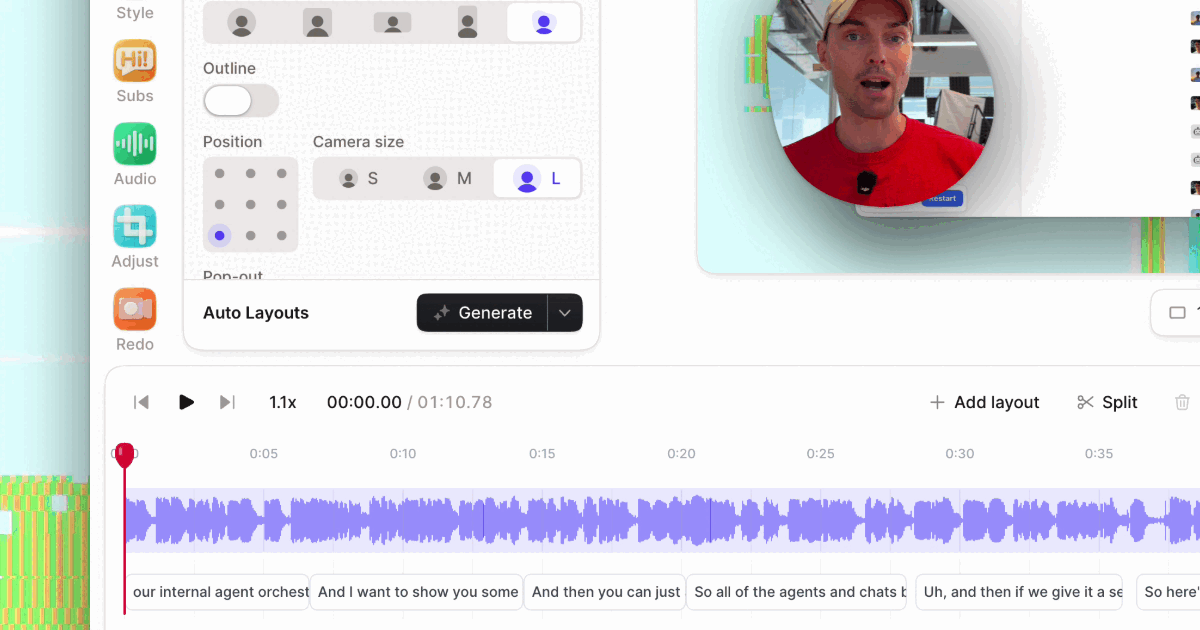
- Auto Zoom zooms in where you clicked, and Auto Layouts switches between screen, camera and split layouts.
- Studio Voice removes background noise, and subtitles can be translated into up to 10 languages per video.
- The Tella Agent edits from chat in the editor: "cut the pauses", "zoom in when I open Settings", "add a lower third with my name". It can generate b-roll clips, images and sound effects, and build animated titles and charts with Tella Motion.
- Claude or ChatGPT can do the same edits through Tella's MCP server.
Every video gets a share link with viewer analytics, and you can export in up to 4K or publish straight to YouTube, LinkedIn and other platforms.
Good to know: Tella has no free plan; every account starts with a 7-day free trial, then Pro is $13 per user per month billed annually. The Tella Agent runs on monthly credits included in paid plans. It's built around recordings of your screen and camera, not cinematic footage, and editing needs a computer.
2. Descript: best for editing talking-head video as text
Descript turns your recording into a transcript, and you edit the video by editing the text. Studio Sound cleans up audio, and Remove Filler Words cuts "ums" in one go. Underlord, its AI co-editor, makes edits from a prompt, and Claude or ChatGPT can drive it through Descript's MCP server.
Good to know: the free plan includes 60 media minutes a month and 100 AI credits once. Hobbyist is $16 a month billed annually with 1080p export; 4K export starts on Creator at $24.
3. CapCut: best free editor for short-form social video
CapCut is a free editor for TikTok, Reels and Shorts, on desktop, web and phone. Its AI generates captions, keeps the subject in frame when you change aspect ratio, and searches your media by object, dialogue or person. Paid plans add AI credits for generating video with Dreamina Seedance models.
Good to know: the free plan covers basic editing and templates; most AI features need Pro, which is priced by region (check after signing in).
4. Adobe Premiere: best for professional editors
Premiere is a full professional editor with AI built in. Text-Based Editing builds a rough cut from the transcript and deletes pauses and filler words in bulk. Enhance Speech cleans dialogue, Auto Reframe turns 16:9 into vertical, Auto Ducking lowers music under speech, and captions translate into 27 languages. Generative Extend uses Adobe's Firefly Video Model to add frames to a clip that's too short.
Good to know: it's a Creative Cloud subscription. Assistive AI is included; generative features like Generative Extend have limited free usage.
5. DaVinci Resolve: best free professional editor
DaVinci Resolve does editing, color, effects and audio in one app on Mac, Windows and Linux. Its DaVinci Neural Engine powers smart reframing, auto color and color matching, object detection and Magic Mask, and Fairlight adds AI Voice Isolation.
Good to know: the free version exports up to 4K at 60fps without a watermark. The Neural Engine, Magic Mask and text-based editing need DaVinci Resolve Studio, a one-time $295 (on sale for $236 in October 2026). It has a steep learning curve.
6. OpusClip: best for turning long videos into short clips
OpusClip finds the best moments in a long video and turns them into captioned, reframed vertical clips. Its AI Producer agent edits raw talking-head footage into a finished video, adding captions, b-roll, music and sound effects and explaining each change.
Good to know: the free plan watermarks captions and deletes media after 3 days. Paid plans start at $15 a month.
7. Runway: best for generating and changing shots
Runway is a generative video tool more than an editor. It generates clips from text or images, and its Aleph model edits an existing shot from a prompt: add or remove objects, change the angle, style or lighting.
Good to know: it's credit-based. The free plan gives 125 credits once; Standard is $12 a month billed annually for 625 credits, about 52 seconds of Gen-4.5 video.
8. Riverside: best for podcasts and interviews
Riverside records remote guests on separate tracks, then edits with AI: Magic Clips cuts social clips, Magic Audio cleans sound, and the Co-Creator agent edits from chat. Riverside's MCP server lets outside agents edit too, on Grow plans and up.
Good to know: the free plan caps video at 720p and adds a watermark. Pro is $24 a month billed annually ($29 monthly).
How to choose
- Recording your screen? Pick an editor that understands screens: zooms from your clicks, screen-and-camera layouts, cursor polish. That's Tella.
- Mostly talking to camera? Descript, or Riverside if you record guests.
- Posting short-form? CapCut for editing, OpusClip for clipping long videos.
- Need full manual control? Premiere, or DaVinci Resolve for free.
- Need footage you don't have? Runway, or an editor with generation built in (Tella, Descript, CapCut, Premiere).
- Test on your own recording. Give two editors the same video and the same request, and compare.
Questions people ask
What is the best free AI video editor?
DaVinci Resolve and CapCut export without a watermark for free. Resolve's free version doesn't include its Neural Engine AI tools (they need the paid Studio version), and CapCut keeps most AI features for paid plans. Descript, OpusClip, Runway and Riverside have free plans with tight limits. Tella has no free plan, but every account starts with a 7-day free trial.
What is the best AI video editor for YouTube?
For tutorials, reviews and screen-share videos, Tella: it records and edits in one place and publishes straight to YouTube. For talking-head videos edited by transcript, Descript. For a full manual timeline, Premiere or DaVinci Resolve. To cut Shorts from a long upload, OpusClip.
Can AI edit a whole video for me?
For footage you've already recorded, increasingly yes. Tella's Agent, Descript's Underlord, Riverside's Co-Creator and OpusClip's AI Producer take a request in plain language and make the edits, and you correct them by asking again. Review the result: AI is good at removing mistakes and adding captions, zooms or b-roll, and worse at judging what your story needs.
Can ChatGPT or Claude edit videos?
Not on their own, but they can drive an editor that has an MCP server. Tella, Descript, Riverside (Grow plans and up) and OpusClip let Claude or ChatGPT edit your videos with the editor's own tools. See the best MCP servers for video editing, and the best agentic video editors for editors built around an AI agent.
Is AI video editing the same as AI video generation?
No. AI video editing works on footage you recorded: it cuts, captions, reframes and cleans it up. AI video generation, like Runway, makes new footage from a prompt. Several editors now do both: Tella, Descript, CapCut and Premiere can generate clips or extend shots inside your edit.
Try it in Tella
Record a video in Tella, open it in the editor and ask the Tella Agent:
Remove the mistakes and long pauses, zoom in when I click, add subtitles, and switch to full camera for the intro.
Or connect Claude or ChatGPT from tella.com/mcp and ask it the same thing.