Automate Product Demo Polish With MCP: Zooms, LUTs, Layouts, and Sharing From One Prompt
Connect Claude, ChatGPT, or any MCP client to Tella and have an AI agent polish a raw screen recording: cut filler words and silences, generate zooms and layouts, grade the camera, check frames, and share or publish the video.
An AI agent can take a raw Tella recording to a finished product demo. Connect Claude, ChatGPT, Cursor, or any MCP client to Tella's MCP server at https://api.tella.com/mcp, then ask: "Polish my latest demo: cut filler words and silences, add zooms, use product-demo layouts, warm up the camera, and make the link public." The agent cuts with remove_fillers and remove_silences, zooms with generate_auto_zooms, lays out screen and camera with generate_auto_layouts, grades with set_clip_filters, checks frames with get_clip_frame, and shares with update_video.
Apply LUTs via MCP covers color on its own. This post covers the whole pass.
What can the agent do?
Everything in a typical polish pass has a tool:
| Step | Tool | What it does |
|---|---|---|
| Find the video | list_videos, search_videos, list_clips | Finds the recording and its clips |
| Read it | get_transcript, understand_video | Reads what you said and asks a vision model what happens on screen |
| Cut | remove_fillers, remove_silences, cut_clip_by_transcript | Removes "um"s, pauses, and false starts |
| Zoom | generate_auto_zooms, add_zoom | Zooms from recorded clicks, or one zoom on a spot |
| Lay out | generate_auto_layouts, update_layout, add_layout | Screen and camera arrangement, camera shape, Pop-out, b-roll |
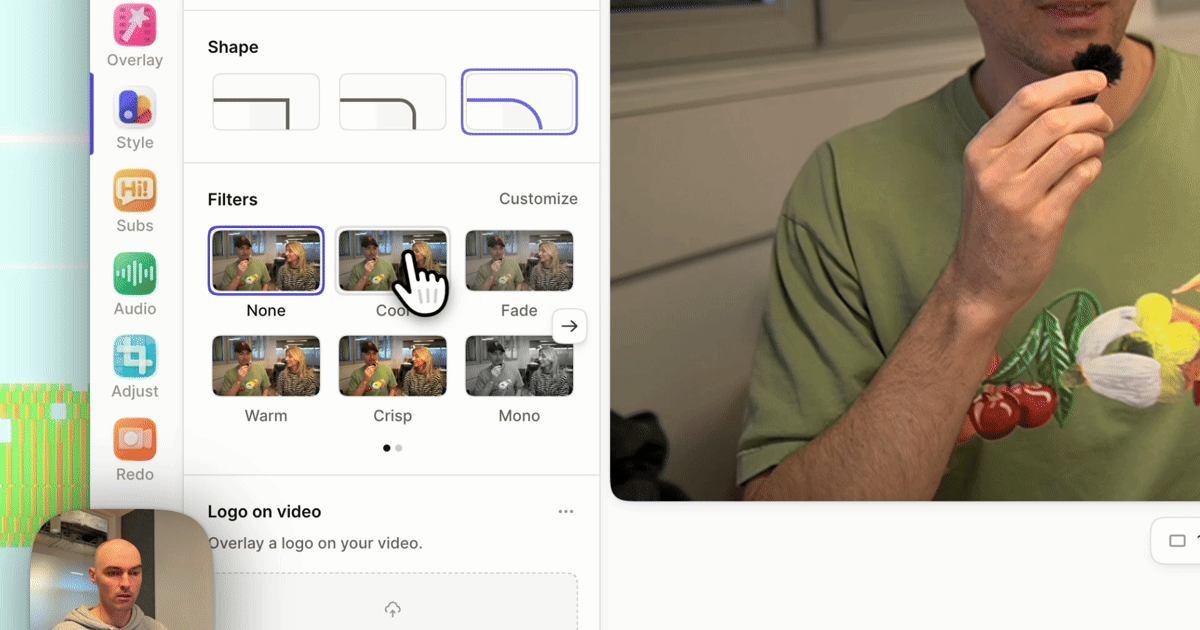
| Color | set_clip_filters | Presets, sliders, and LUTs on the camera and screen |
| Finish | update_video | Title, Studio Sound, motion blur, camera shrink during zooms, link access |
| Check | get_clip_frame, get_clip_preview | A rendered frame or short MP4 of the result |
| Deliver | export_video, publish_to_social | An MP4 in up to 4K, or a post on YouTube, LinkedIn, X, and more |
For two or more timeline edits at once (zooms, layouts, text, blurs), apply_video_edits batches up to 200 operations into one editor change.
How do you connect an agent?
- Claude: add Tella from Claude's connector directory, or add a custom connector with
https://api.tella.com/mcp. - ChatGPT: open Tella in ChatGPT's apps.
- Claude Code, Cursor, and other clients: add a remote MCP server at
https://api.tella.com/mcpand sign in with your Tella account.
The MCP server docs cover each client.
A full polish, step by step
This is what a good agent does with "polish my latest demo." You can also ask for each step separately.
1. Cut
remove_fillers and remove_silences run per clip, like the editor's tools. For a restart ("let me try that again"), the agent reads get_transcript and cuts the flubbed take with cut_clip_by_transcript. Cut first, because zooms and layouts are timed to what's left.
2. Zoom
generate_auto_zooms places tracking zooms on the clicks in each clip's screen recording, the same as Generate zooms in the editor. intensity is slow (fewer, longer zooms), medium (the default), or fast (shorter, tighter, deeper), and scale overrides the magnification up to 3.5. It replaces earlier generated zooms unless you pass replaceExisting: false, and never touches manual zooms.
Prompt: "Add medium zooms to every clip, but no zoom in the first 5 seconds."
3. Lay out
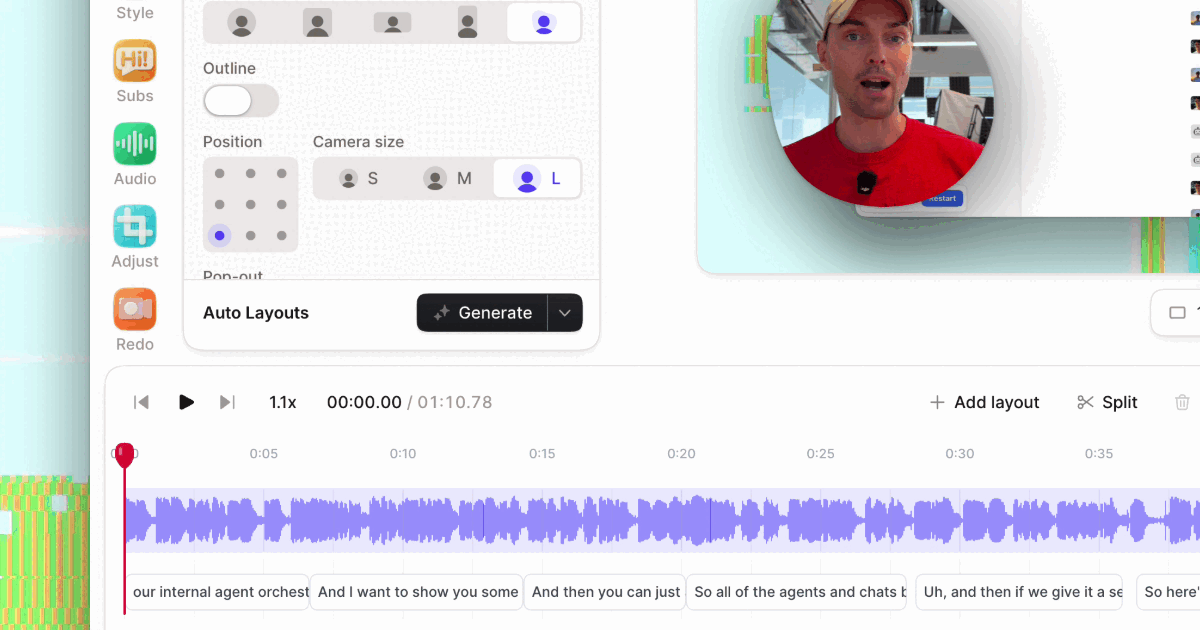
generate_auto_layouts has AI watch the clip and choose layouts, like the editor's Auto layouts. Pick a style such as product-demo-round, product-demo-square, product-demo-wide, tutorial-round, or intro-and-outro, and add instructions like "keep the camera visible the whole time" or "punch in whenever a menu opens."
To set the camera frame yourself, update_layout switches a camera bubble between circle, square, landscape, and portrait, and popOut turns on Pop-out. For the Blob camera, the agent writes a custom layout with shape: "blob" (or "blob-outline") on the camera slot.
4. Grade
set_clip_filters sets the camera and screen filters on a clip, for example:
{
  "videoId": "vid_…",
  "clipId": "clip_…",
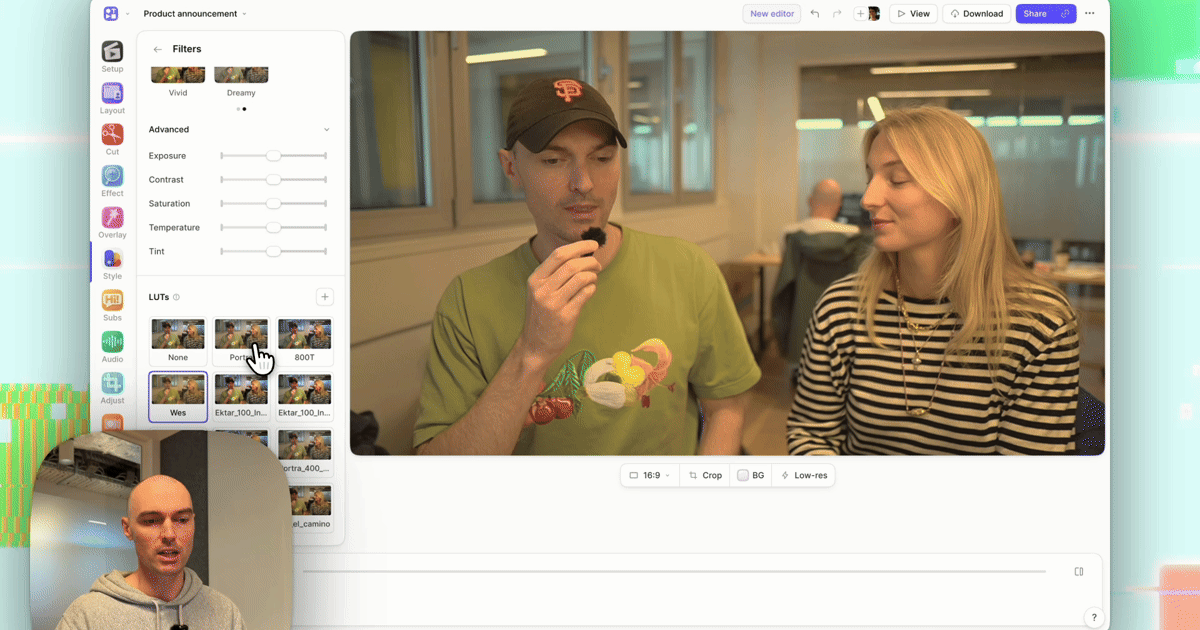
  "camera": { "preset": "warm", "lut": { "id": "lut_portra", "intensity": 0.4 } },
  "screen": { "preset": "crisp" }
}
Filters are per clip over MCP, so the agent calls it for each clip from list_clips. Keep the screen at crisp or none so your product's colors stay accurate.
5. Finish
update_video sets the title and description, turns on studioSound, motionBlur, and shrinkCameraDuringZooms, and sets linkScope to public, private, password, or embedonly.
6. Check
After each step, the agent calls get_clip_frame at a few moments and looks. Vision-capable models catch what you would: a zoom on empty space, a layout that covers the UI, orange skin from a LUT at full strength. Ask for it: "After each change, show me a frame and fix anything that looks off."
7. Deliver
The share link is ready as soon as the edits are done; there's no render step. For a file, export_video returns a download in up to 4K. To post, publish_to_social uploads to YouTube, YouTube Shorts, LinkedIn, X, TikTok, Instagram, or Facebook under your connected accounts.
Prompts that work
- "Polish Q4 launch demo: remove fillers and silences, add medium zooms, product-demo-round layouts, Warm on the camera, Crisp on the screen. Show me three frames when you're done."
- "For every video in the Onboarding playlist, apply our team LUT at 50% to the camera and turn on Studio Sound."
- "Use the Blob camera in the first 10 seconds of this video and a circle afterwards."
- "Find the part where I open Settings and punch in on it."
- "Make the link public, then publish to LinkedIn with the video's title. Ask me before posting."
Keep a human in the loop
Every agent edit is an ordinary edit in the Tella editor, so you can open the video and adjust a zoom, a layout, or a filter by hand. Two habits help:
- Ask for frames. A frame per clip catches most problems before anyone else sees them.
- Confirm before anything public. Changing
linkScopetopublicor callingpublish_to_socialshares the video. Tell the agent to ask first.
Related reading
- Tella MCP server: setup for each client.
- Apply LUTs via MCP: color grading in depth.
- How to add auto zoom to screen recordings.
- Auto Layouts.
Try Tella free for 7 days, connect your agent, and polish the next demo by asking.