What is Descript?
What Descript is in 2026, how its transcript-based editing and Underlord AI co-editor work, what it runs on, whether it is free, and what each plan costs.
Descript is an audio and video editor that turns your recording into a transcript, so you edit the video by editing the text. It also records your screen, your camera and remote guests, has audio cleanup tools, and includes an AI co-editor called Underlord.
This guide covers what Descript is, how it works, what it runs on, whether it's free and what it costs. Facts and prices were checked on Descript's site on November 5, 2026.
In this article, you'll learn:
- What Descript is and its key features
- How Descript works
- What Descript is used for
- Whether Descript is free and what it costs
What is Descript?
Descript is an AI-powered editor for audio and video. You import or record media, Descript transcribes it, and deleting words in the transcript cuts them from the video. Around that, it adds screen recording, remote recording, audio cleanup, captions, collaboration and sharing.
Is Descript an app or a website?
Both. The desktop app needs macOS 14 (Sonoma) or later, or 64-bit Windows 11 or later. Descript for Web runs the full editor at web.descript.com, with nothing to install.
Descript says the web version works best in Chrome, Edge and Opera. Firefox works for editing, but recording in the browser needs Chrome or the desktop app, and you may run into issues in Safari. Descript doesn't support mobile browsers or tablets for editing (system requirements).
How does Descript work?
Descript transcribes every file you add. The transcript is the edit: delete a sentence and the video loses that sentence. Tools like Remove Filler Words and Remove Retakes do the same cleanup across a whole recording. For the details, see how Descript video editing works.
Underlord is Descript's AI co-editor (in beta). You open it from the sidebar of any project and ask it, in chat, to edit, add captions or translate. Each prompt uses AI credits, and the same prompt can cost a different amount on different runs (Underlord help article). Descript also has an API and an MCP server, so you can edit through code or from an AI assistant.
Is Descript safe to use?
Descript says it is SOC 2 Type II compliant and follows GDPR and CCPA. It encrypts stored data with AES-256 and data in transit with HTTPS (TLS 1.2), according to its security page. If you create an AI voice clone, read that page's custom voice section first: Descript uses the training audio you share to improve its service.
What is Descript used for?
Descript is used for audio and video work where most of the editing is cutting what people say:
- Podcasting: record, edit and mix episodes. Here's how to start a podcast.
- Remote interviews: Descript Rooms records guests in the browser and sends the recording straight into the editor.
- YouTube and social clips: cut long recordings down and turn the best moments into short clips.
- Training and screen recordings: record your screen and camera, then edit the walkthrough by its transcript.
- Transcripts and captions: turn recordings into searchable text and add captions.
What are Descript's key features?
- Text-based editing: edit video by editing the transcript.
- Underlord: an AI co-editor you chat with, which runs on AI credits.
- AI audio and cleanup tools: Studio Sound for voice recordings, plus Remove Filler Words and Remove Retakes.
- AI Speech: AI voices and custom voice clones to regenerate or add narration.
- Recording: screen and camera recording, plus Rooms for remote guests.
- Export and share: download files or publish a web link with an embeddable player.
Is Descript free?
Yes, Descript has a free plan, but it's for trying the editor. It includes 60 media minutes a month, and exports are 720p and not watermark-free. Paid plans add more media hours and AI credits and remove the watermark.
How much does Descript cost?
These are Descript's prices per person per month, from descript.com/pricing on November 5, 2026:
| Plan | Billed annually | Billed monthly | Media hours / month | AI credits / month | Export |
|---|---|---|---|---|---|
| Free | $0 | $0 | 1 | 720p, not watermark-free | |
| Hobbyist | $16 | $24 | 10 | 400 | 1080p |
| Creator | $24 | $35 | 30 | 800 | 4K |
| Business | $50 | $65 | 40 | 1,500 | 4K |
| Enterprise | Custom | Custom | Sized to your team | Sized to your team |
Media hours count the minutes of recorded or imported media Descript processes for each editor. You can buy top-ups for more media hours and AI credits.
Is Descript good for screen recordings and product demos?
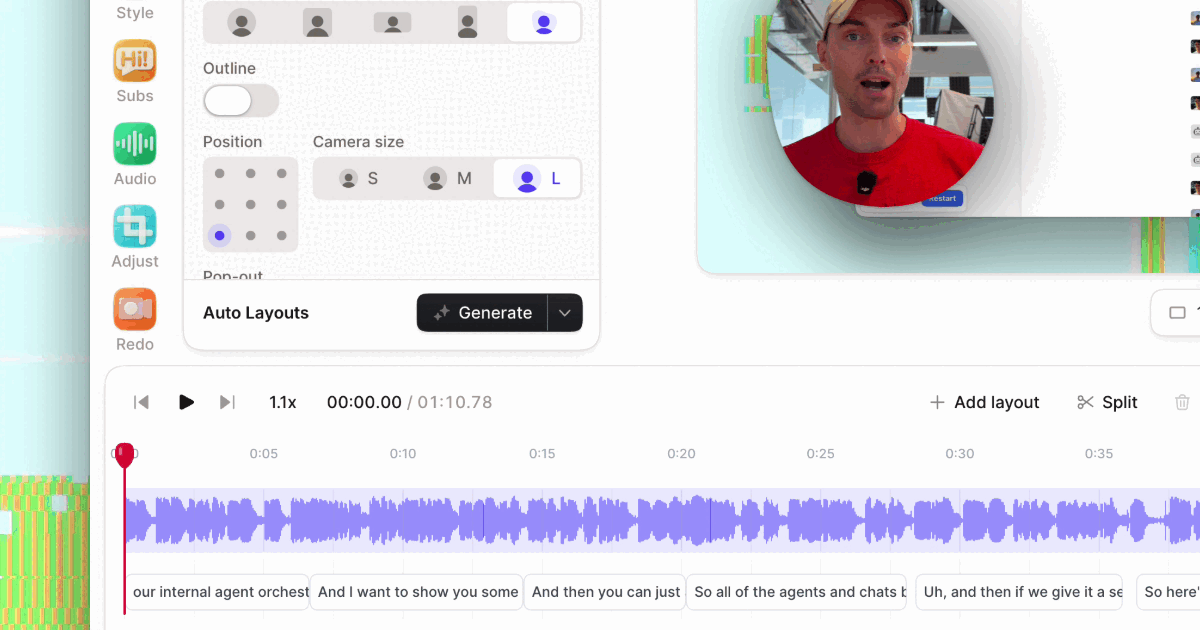
Descript can record your screen and edit the walkthrough by transcript, which works well for talking-head tutorials and courses. If most of your videos are product demos, a screen recorder built for them may be faster. Tella, which publishes this blog, records screen and camera in clips with its Mac app, Windows app (beta), Chrome extension or browser. It edits by transcript, adds zooms that follow your cursor and layouts, and shares the video as a hosted link with viewer analytics.
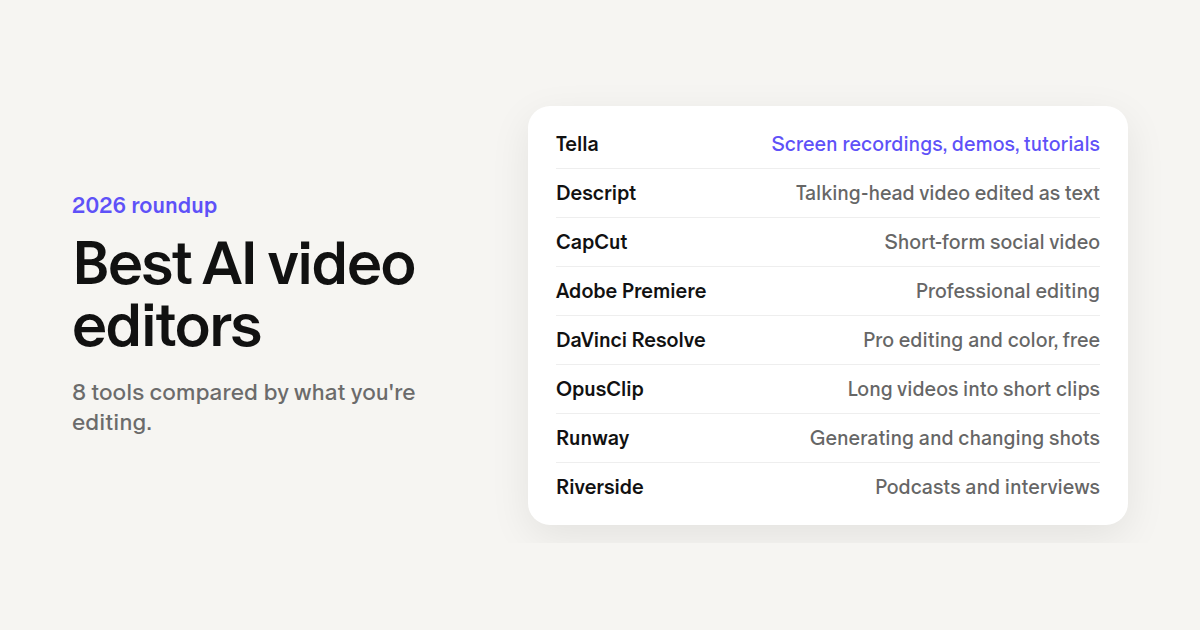
Tella has no free plan. New workspaces get a 7-day free trial without a credit card, then Pro costs $13 per user per month billed annually, or $26 monthly. For more options, see these Descript alternatives and our roundup of AI video editors.
The bottom line
Descript is an editor first: it's at its best when you edit spoken audio and video as text, from podcasts to YouTube videos, with Underlord and its audio tools doing the cleanup. Check its media-hour limits against how much you record, and compare it with tools built for your kind of video before you pay.